Hackathon web appDrawing 42 of 43
HackTX 2023
Carpool
CarLink is a carpool sign-up app we built as a team of four at HackTX 2023 in Austin. A driver fills in a form and gets a link, and passengers open that link to take a seat in the car.
- StatusHackathon project, October 2023. Archived
- EventHackTX 2023 in Austin, October 21 to 22
- TeamA team of four
- StackReact 18, React Router 6, Tailwind CSS, Firebase Firestore
- BackendTwo Firebase Cloud Functions in TypeScript, in their own repo
- Commits15 of the frontend's 33, and 8 of those are pull request merges
Sheet 02 of 09/The idea
What CarLink does
We built CarLink over the weekend of October 21, 2023 at HackTX, the hackathon in Austin. A driver signs up with their name, phone number, address and how many seats they have, and the app hands back a link made from the driver's database ID. Anyone with that link can see the driver's details and sign up for a seat until the car is full.
It's a React app with no login, styled with Tailwind, and every record lives in Firebase Firestore.
Sheet 03 of 09/Drivers
The driver form
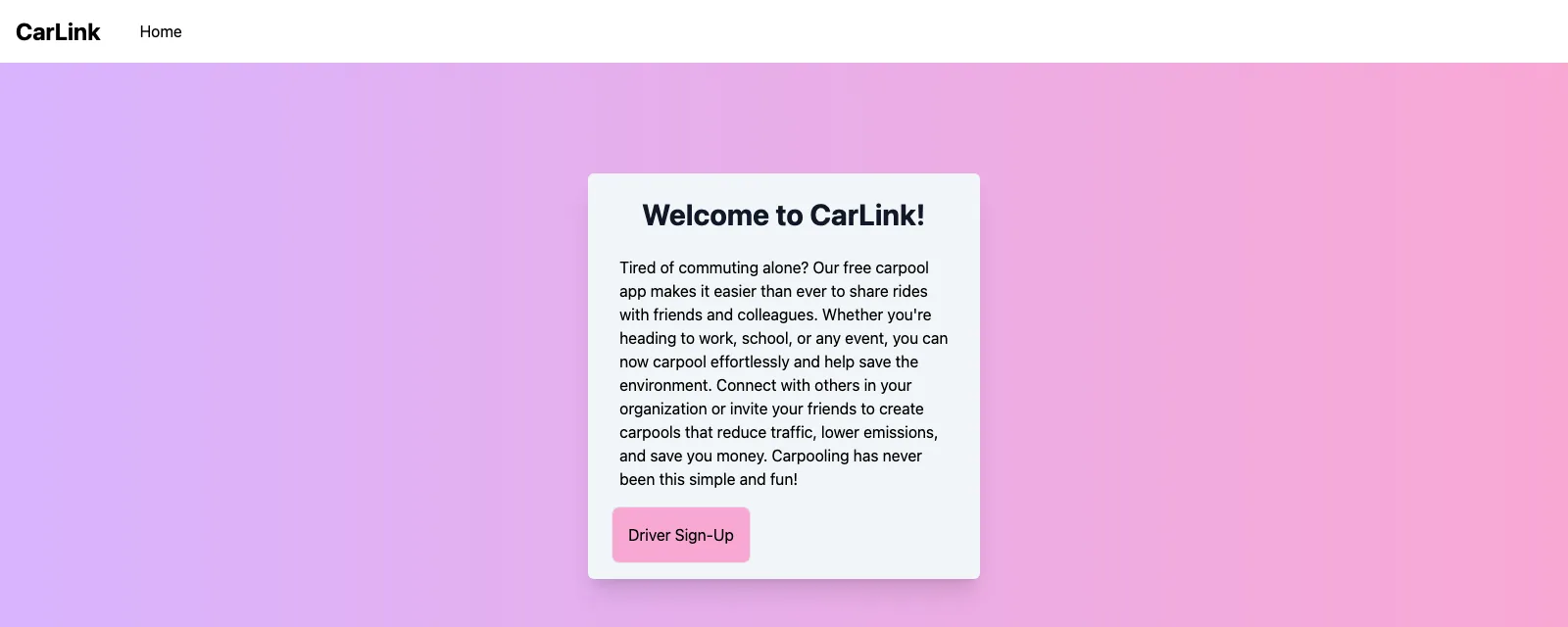
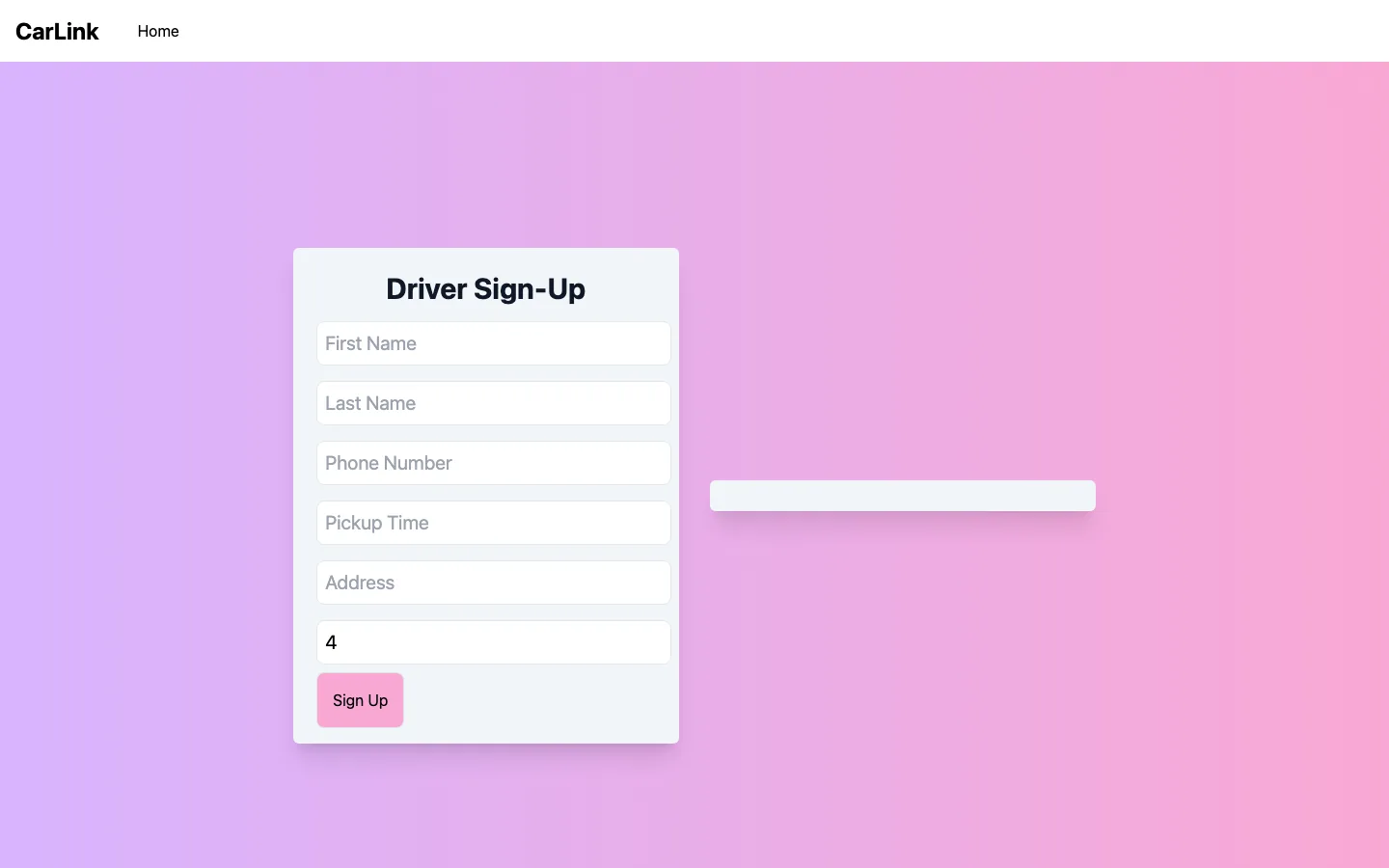
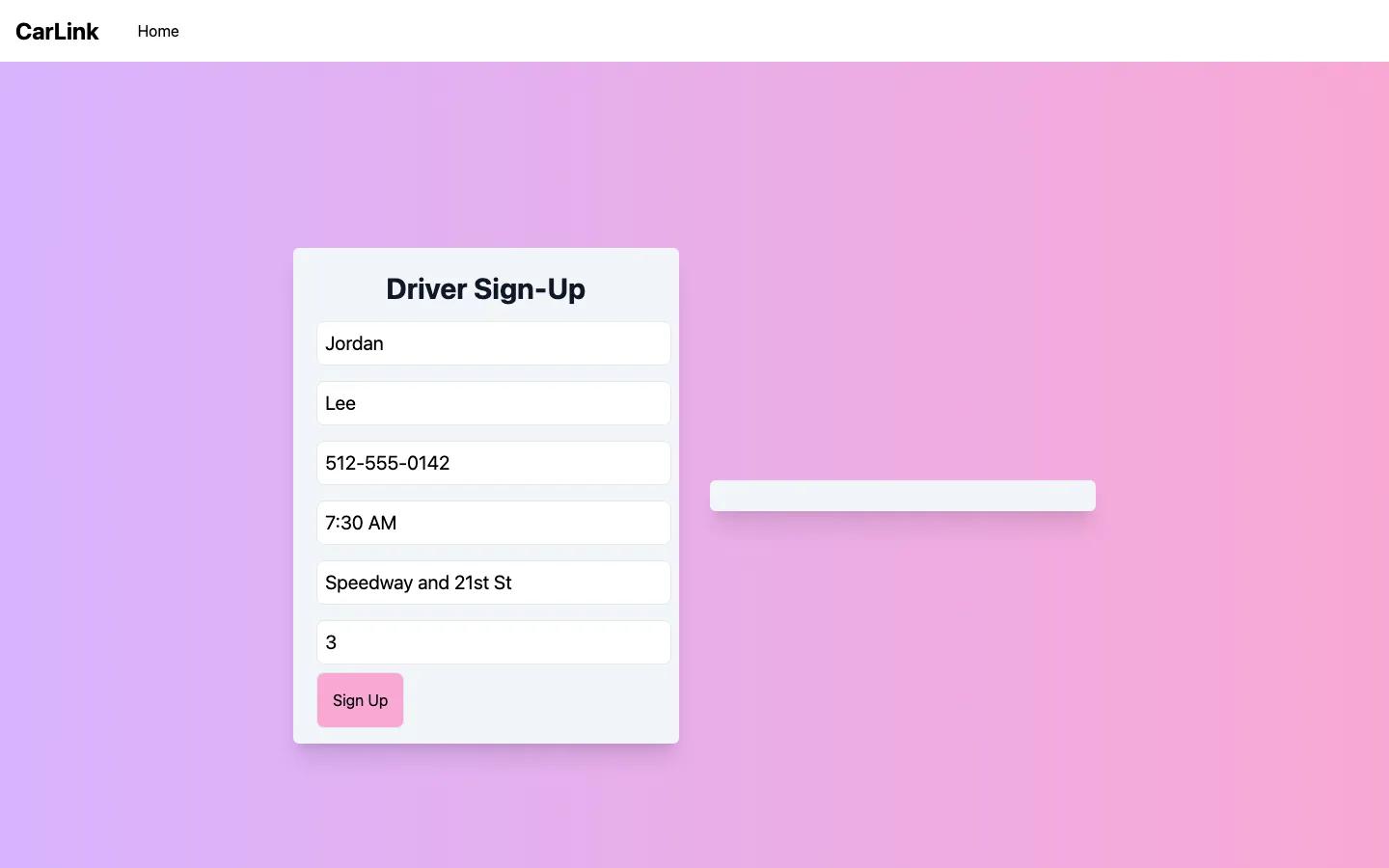
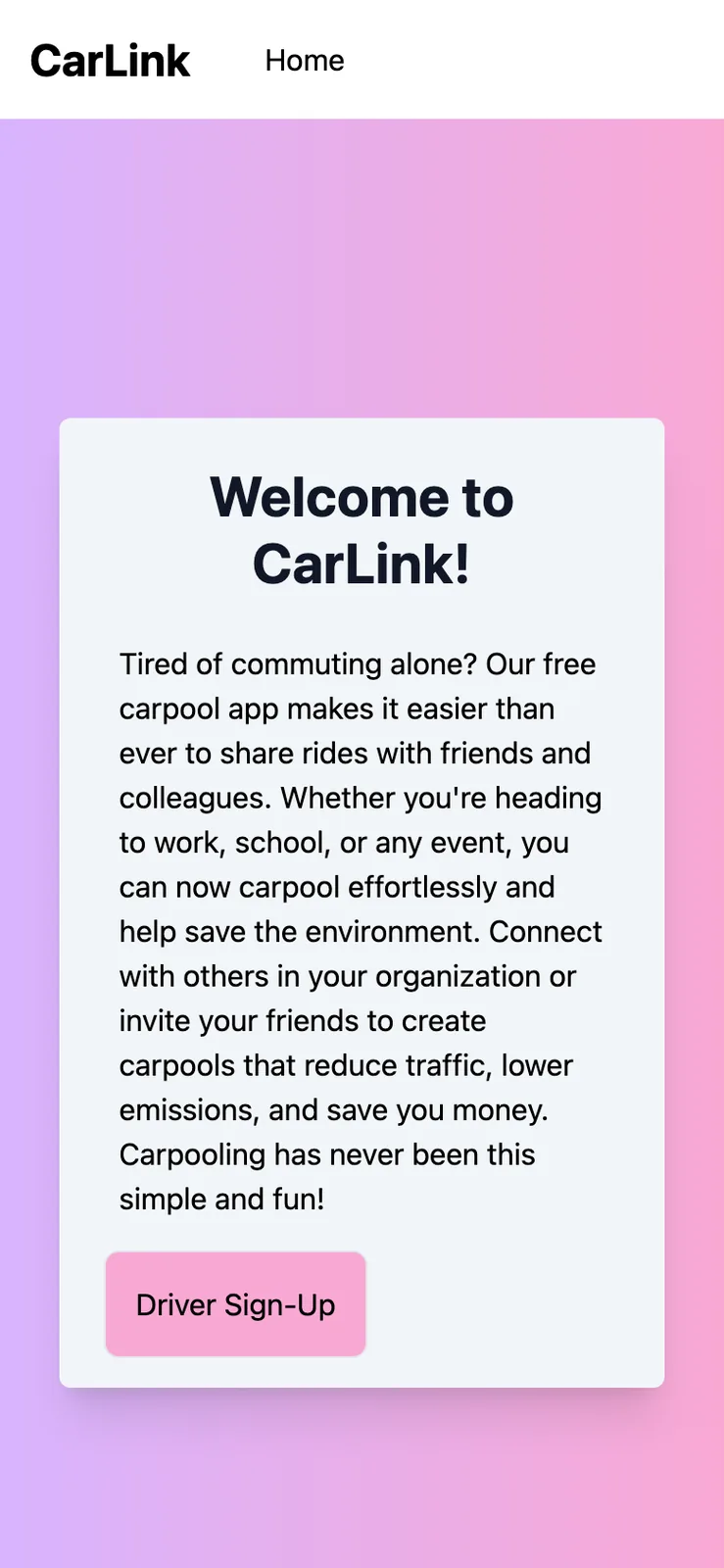
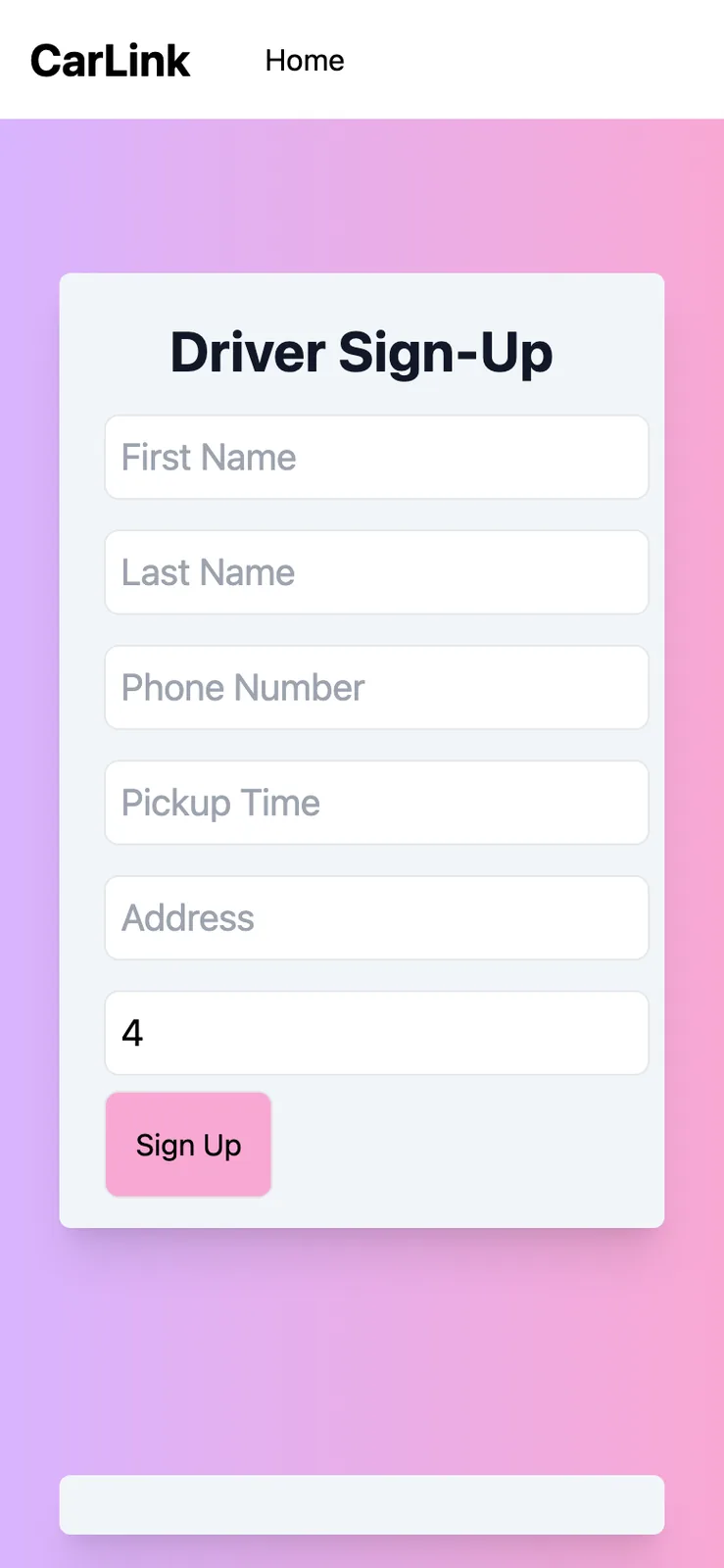
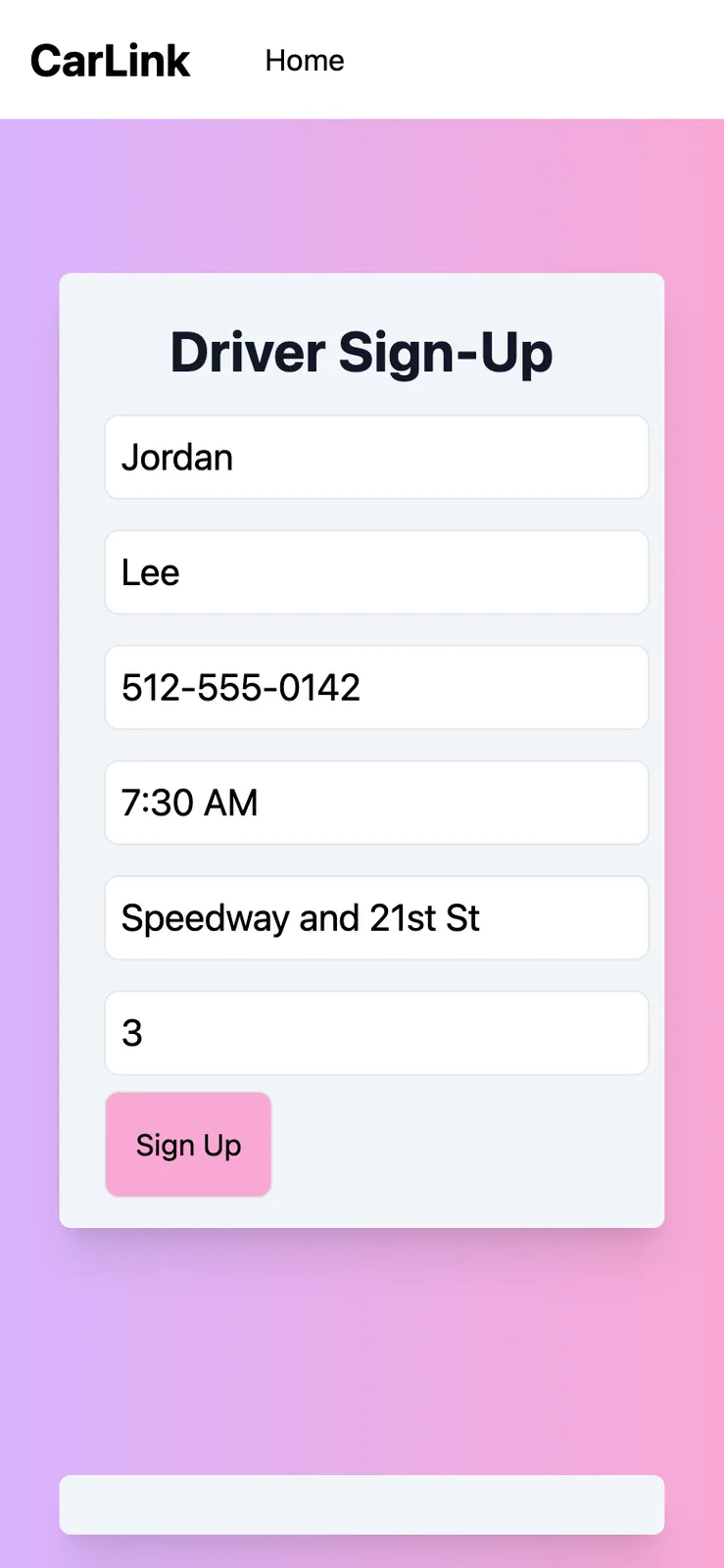
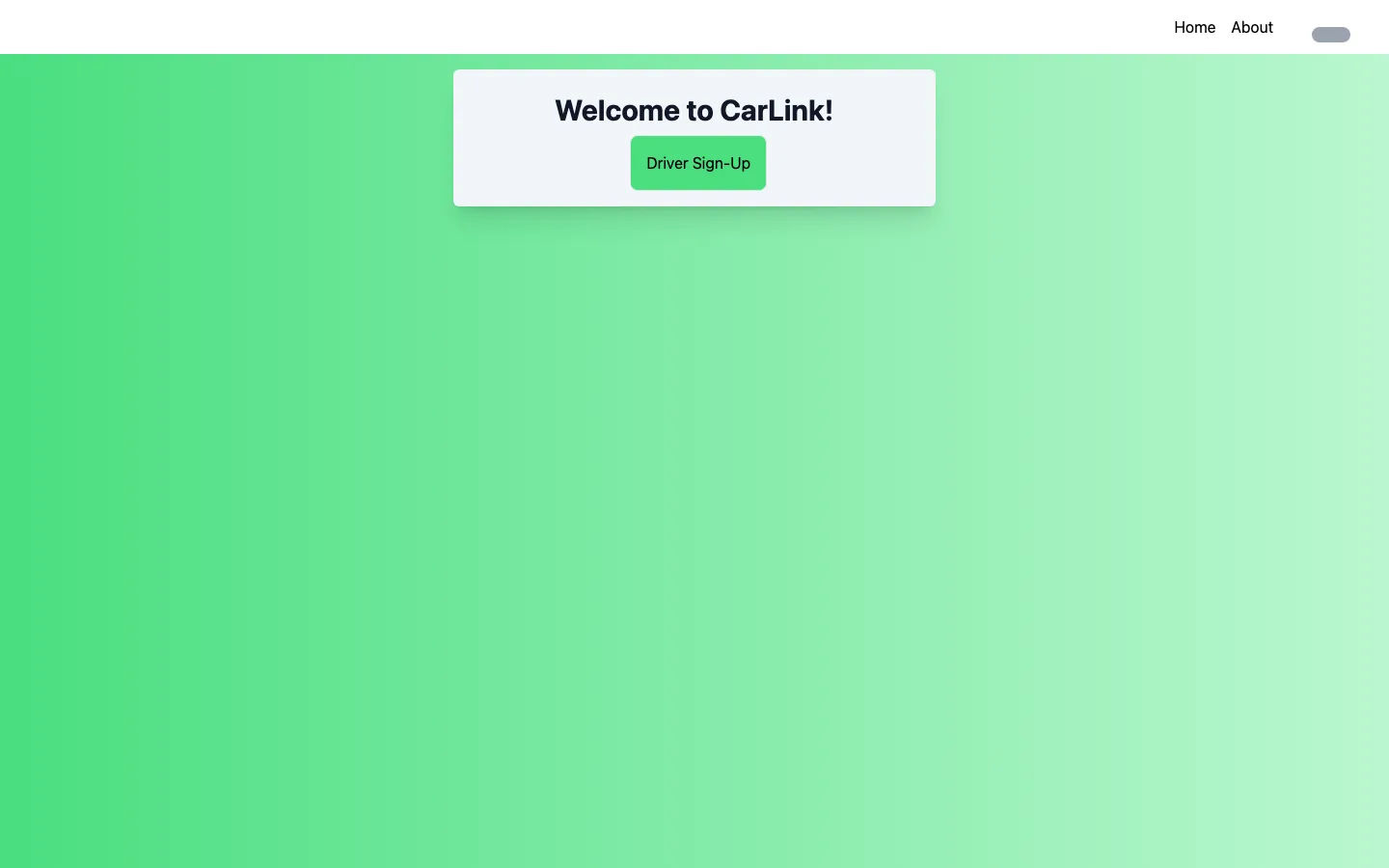
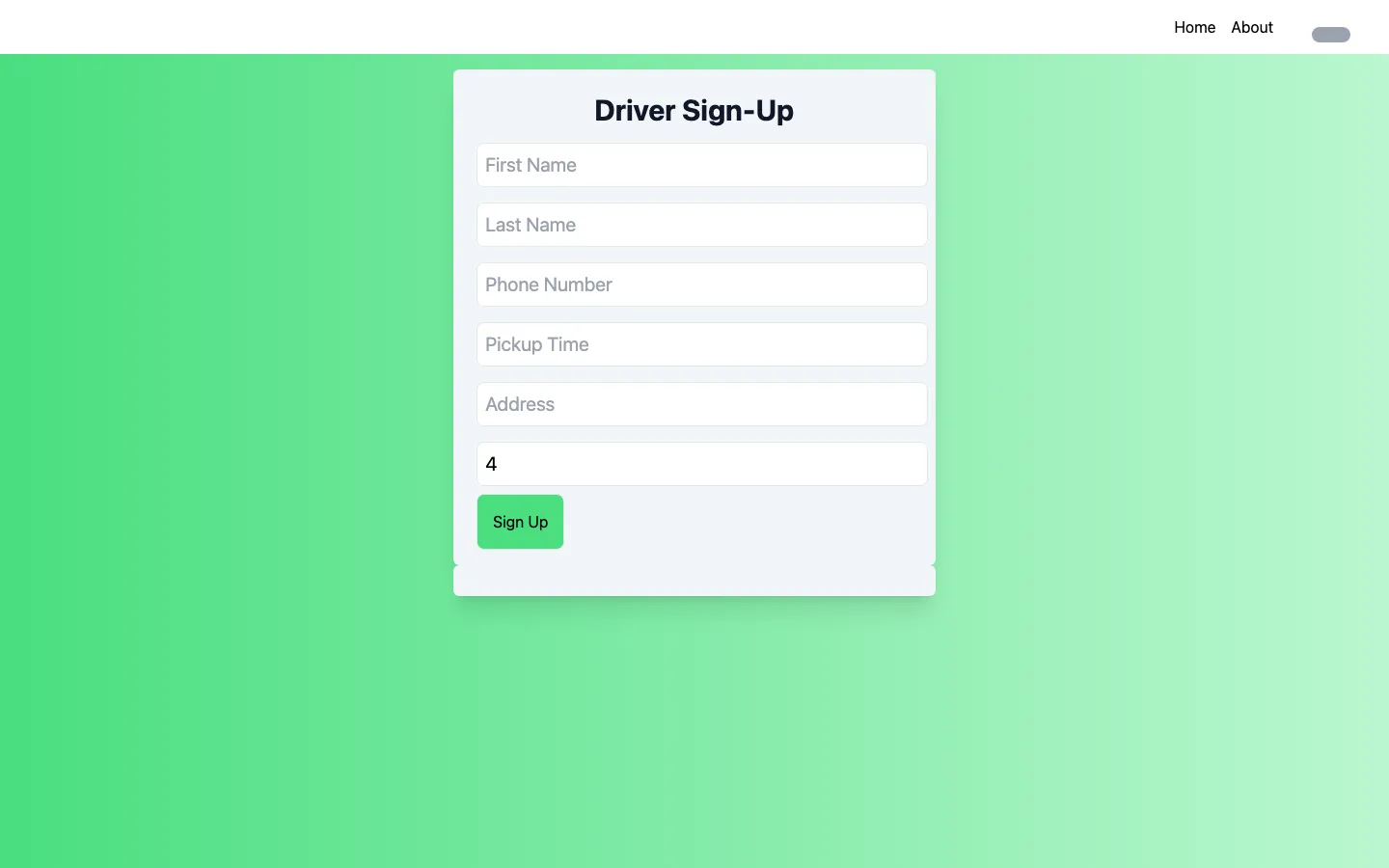
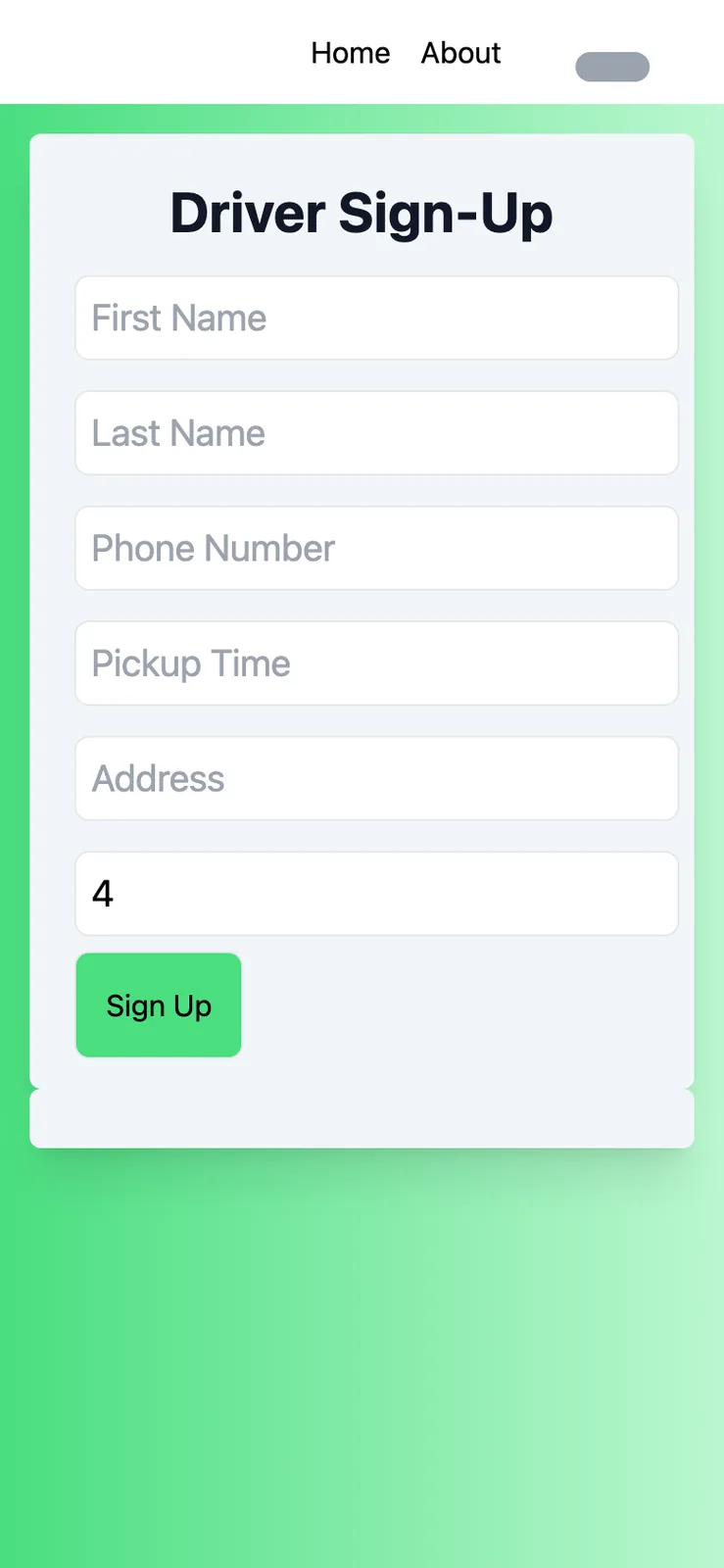
The home page is one card with a short pitch and a Driver Sign-Up button. The driver form asks for a first name, last name, phone number, pickup time, address and number of seats, and seats starts at 4. It won't submit without a first name, last name and phone number.
When it does submit, it saves a Driver record to Firestore and shows the link, which is /passenger-signup/ followed by the new record's ID. The empty box next to the form is where that link appears. Pickup time is on the form, but the code never adds it to the saved record, so it's lost on submit.
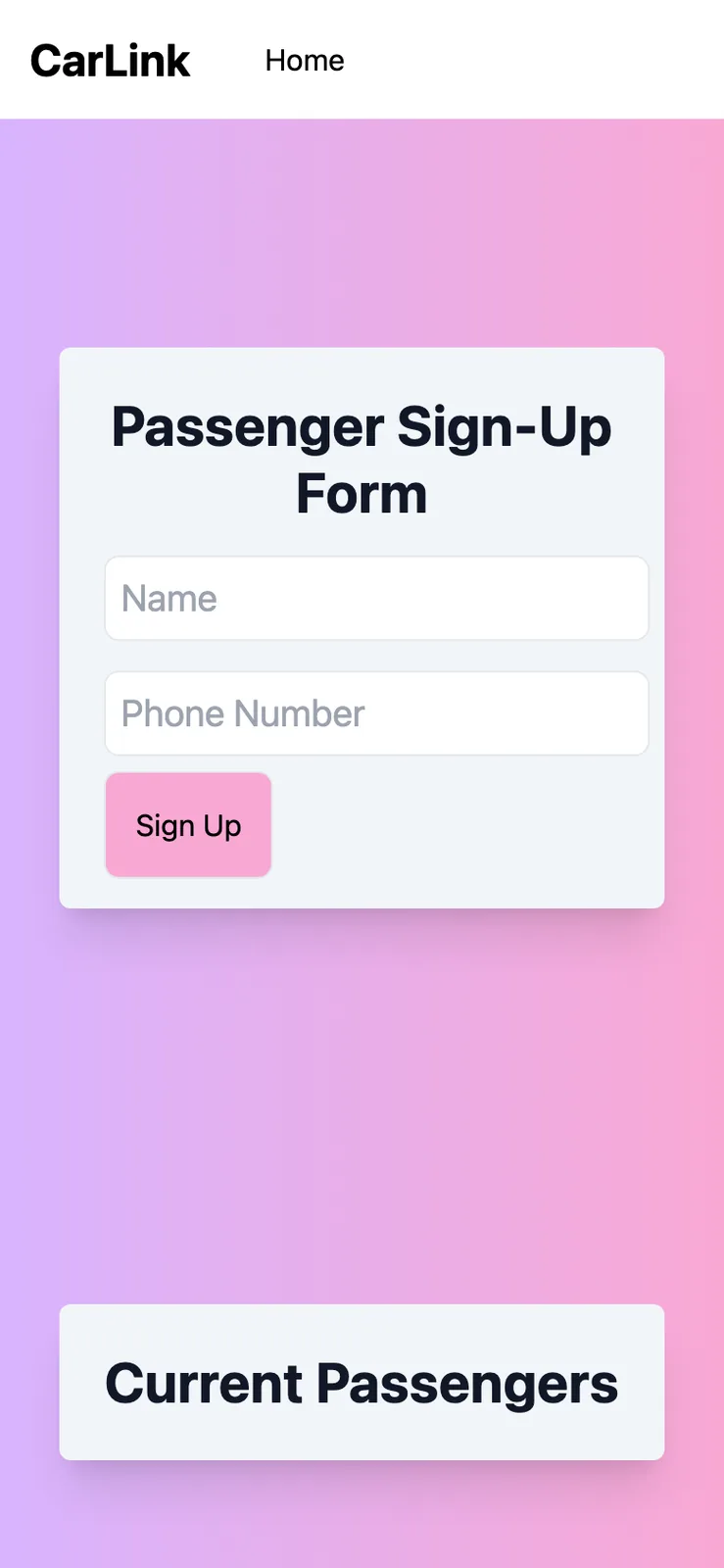
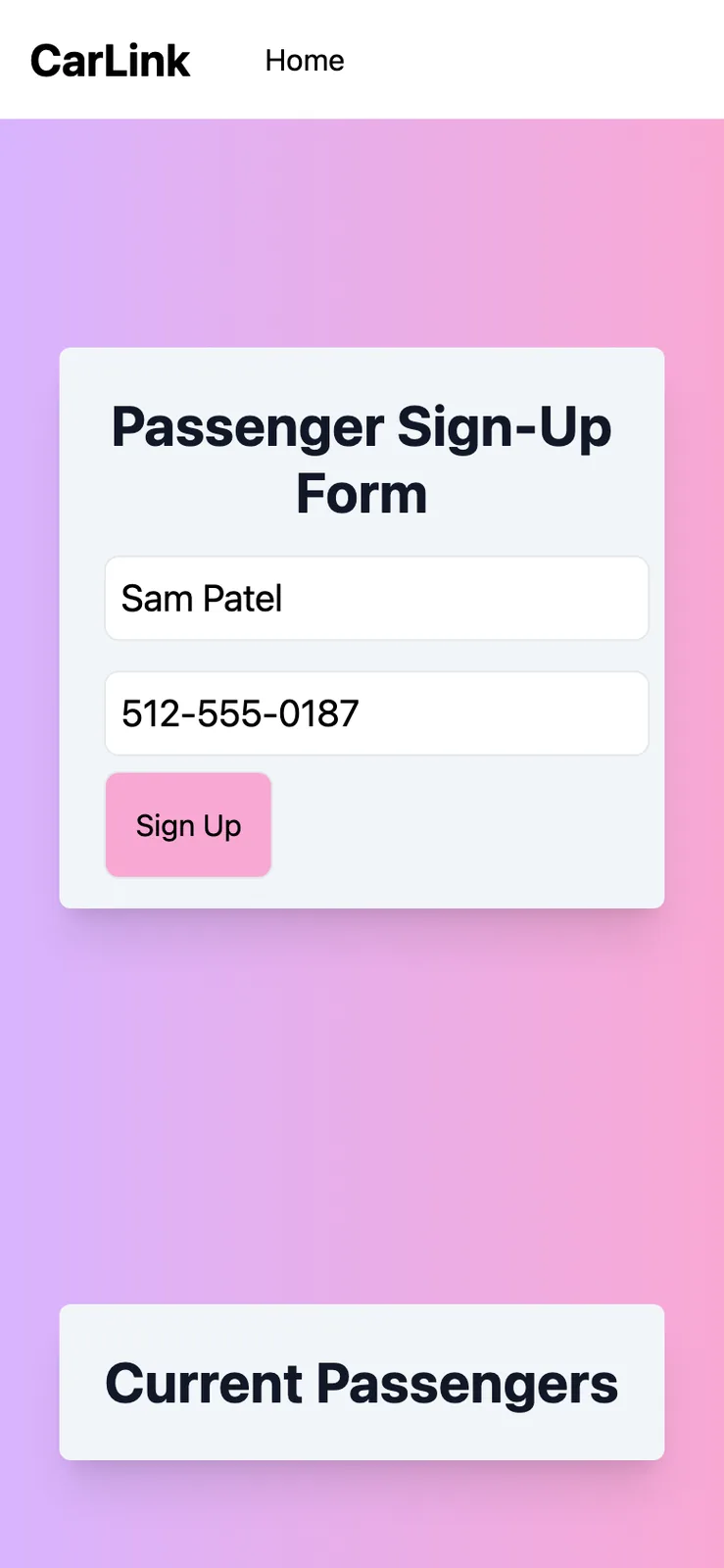
These screenshots come from running the frontend on my laptop in October 2026 with every request to Firebase blocked, since the code still points at the project we used that weekend. The names and 555 numbers are samples I typed in, and I never pressed Sign Up.
Sheet 04 of 09/Passengers
The passenger link
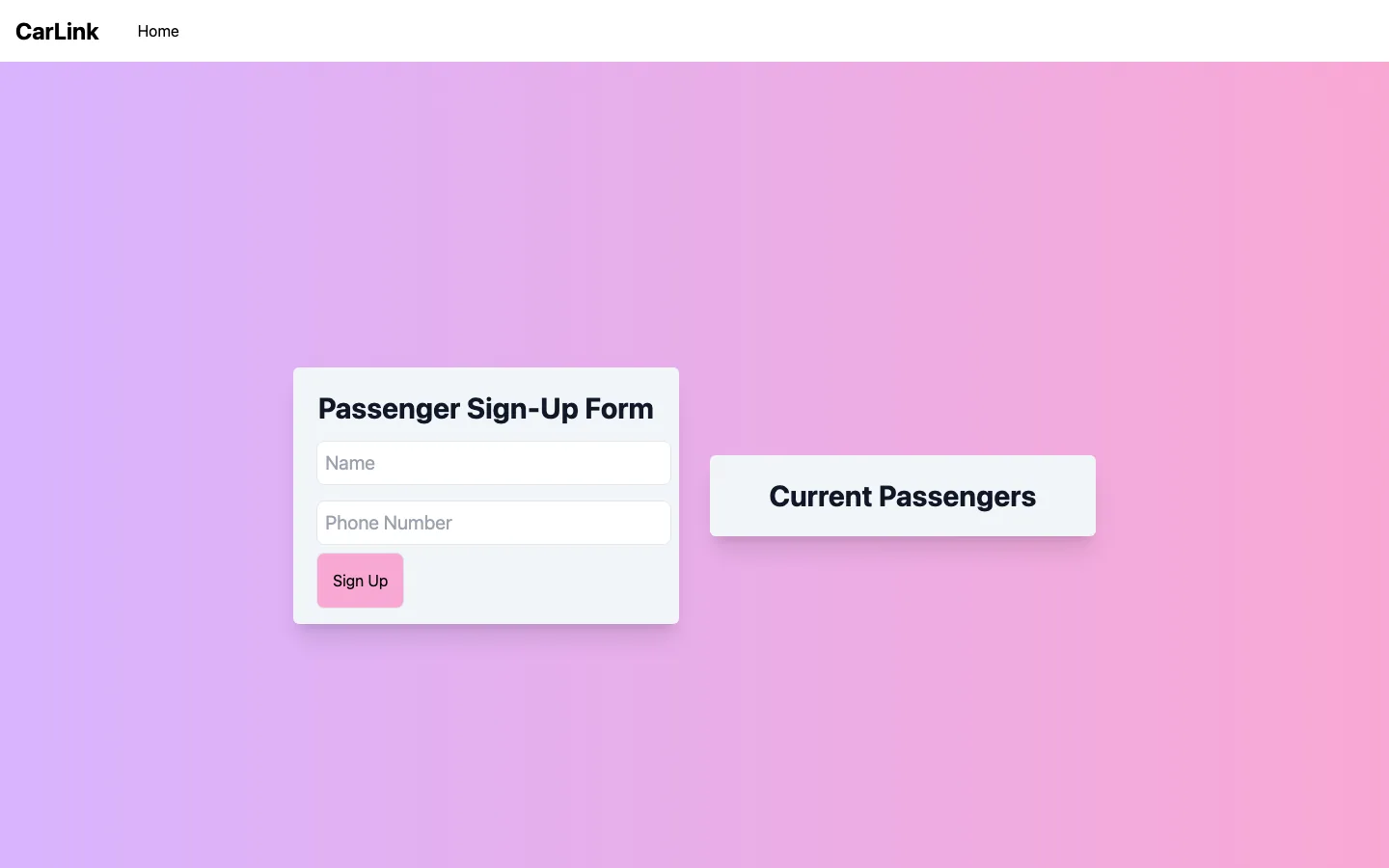
The link opens a page with the driver's name, phone number, address, available seats and the spots that are left. Under that is a form for a passenger's name and phone number, and a Current Passengers list that updates live from Firestore as people join.
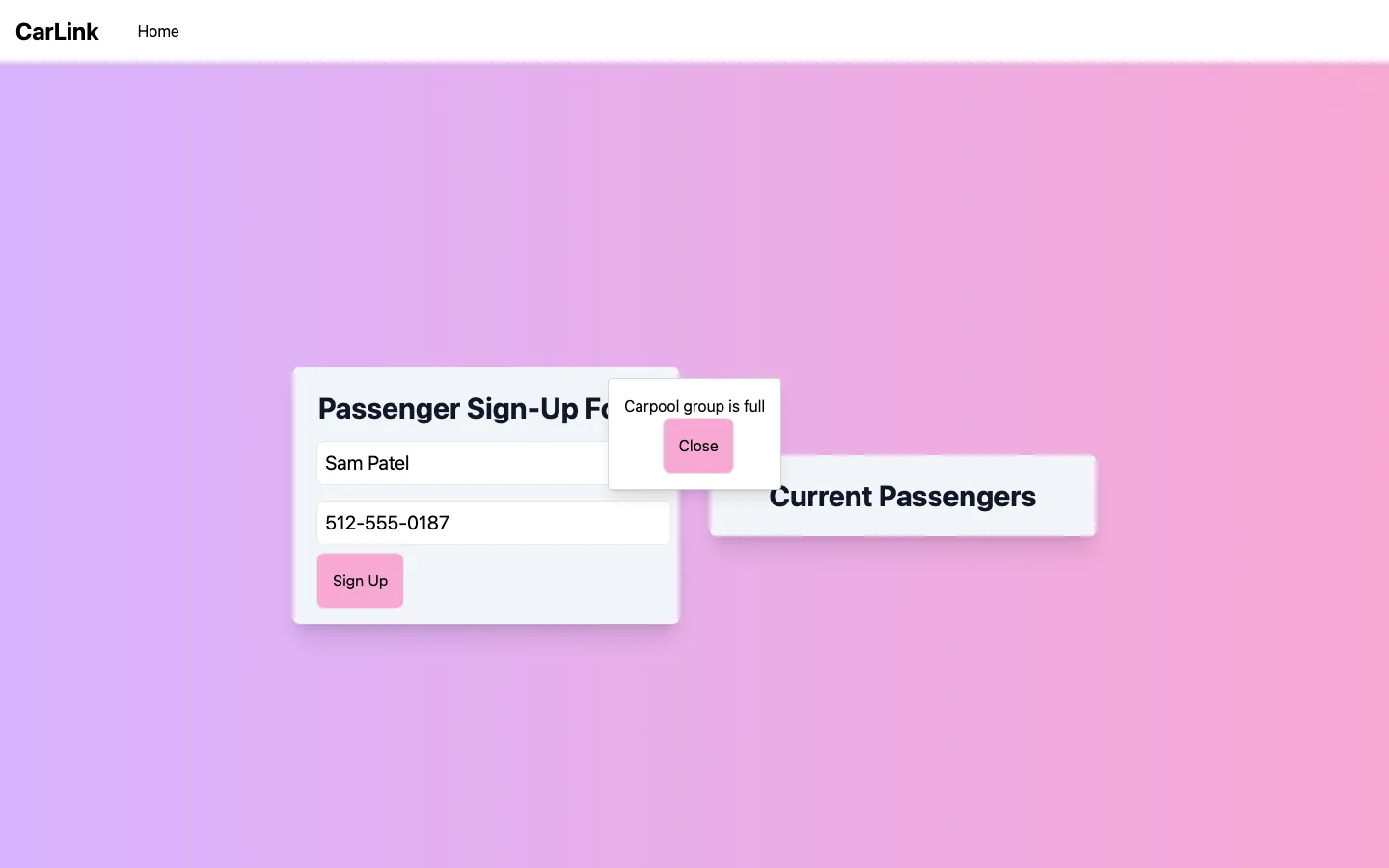
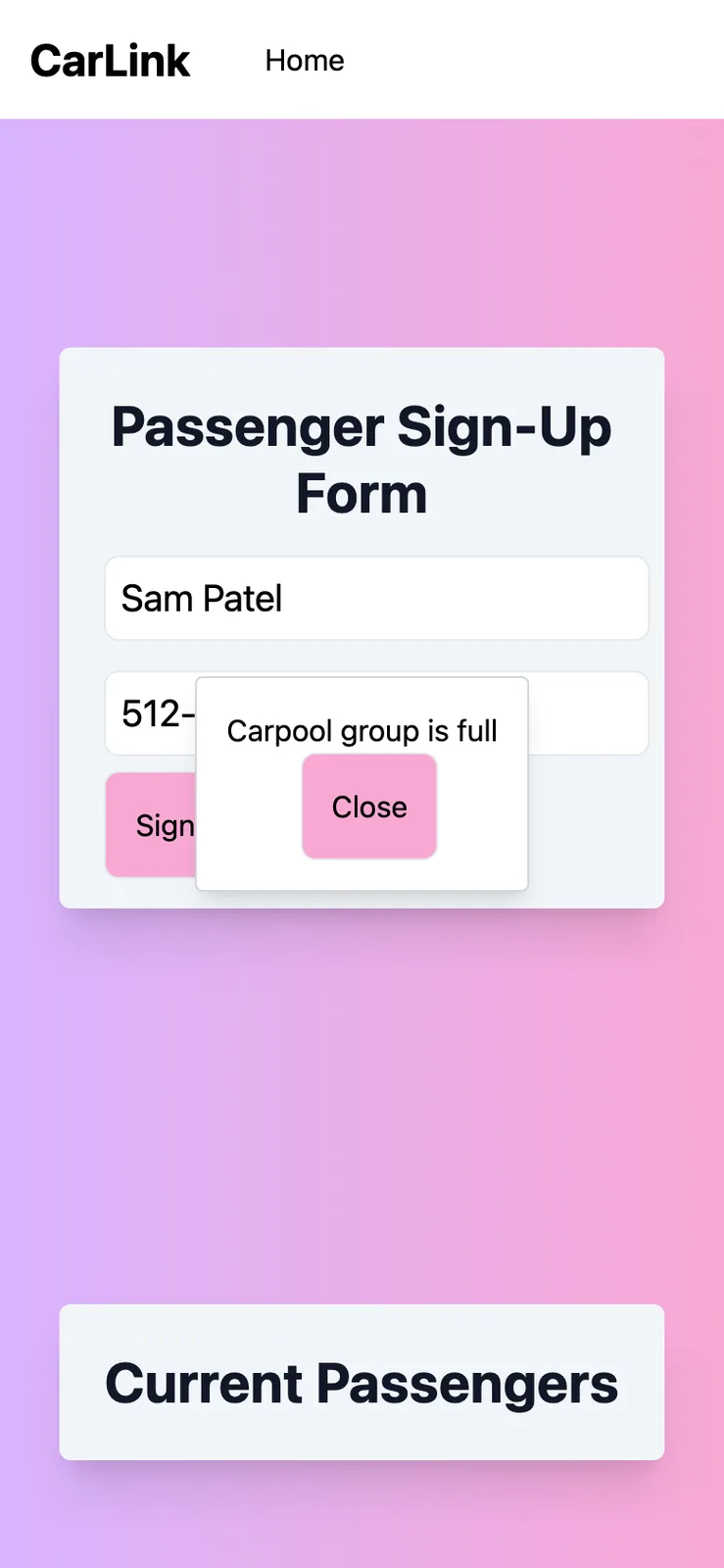
If the car is full, signing up opens a "Carpool group is full" popup instead. Each passenger in the list has an Edit button that asks them to verify their phone number before they can leave the carpool. We never finished that check, so the verify step accepts any number. Leaving deletes that passenger's record.
With no database behind the page, there's no driver record to show and the page counts zero seats. That's why the sample passenger gets the full popup in these shots.
Sheet 05 of 09/The weekend
From a todo list to CarLink
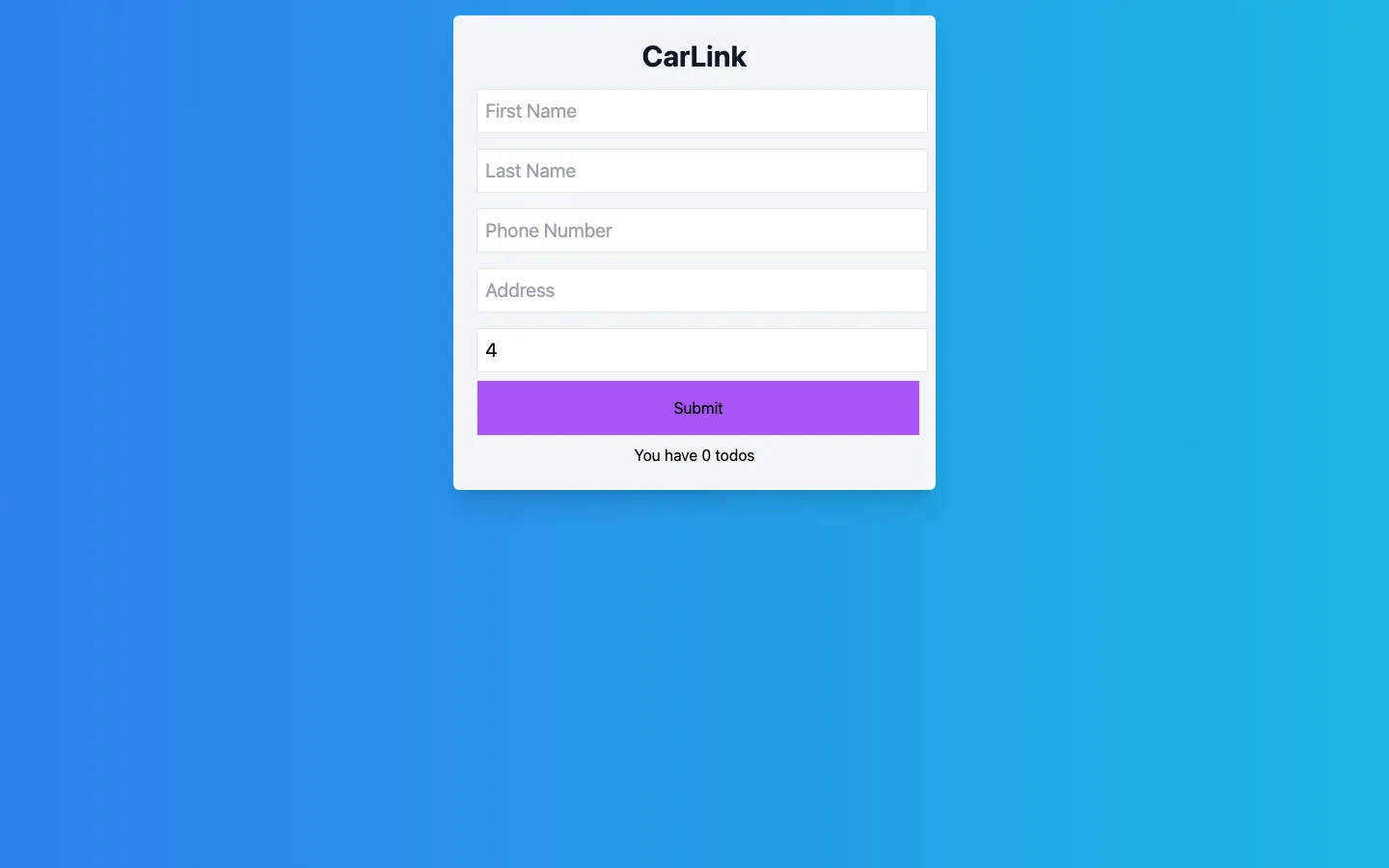
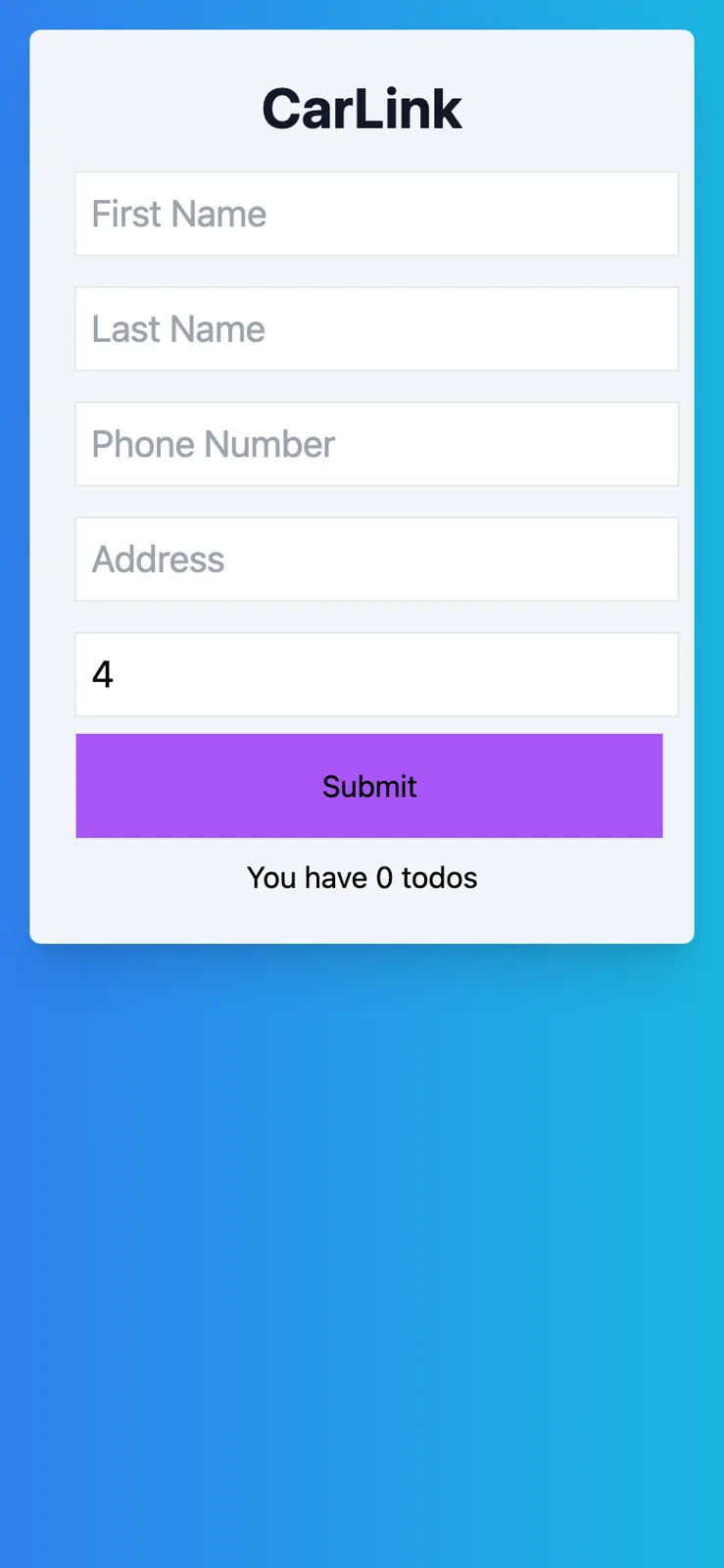
Going by the commit times, I made the repo at 10:04 on Saturday morning and committed the React setup at 11:44. The first commit where data input worked came just after midnight, and that version started from a todo list app. It already said CarLink at the top, but the line under the form still read "You have 0 todos". The function that saves a driver is still called createTodo in the final code.
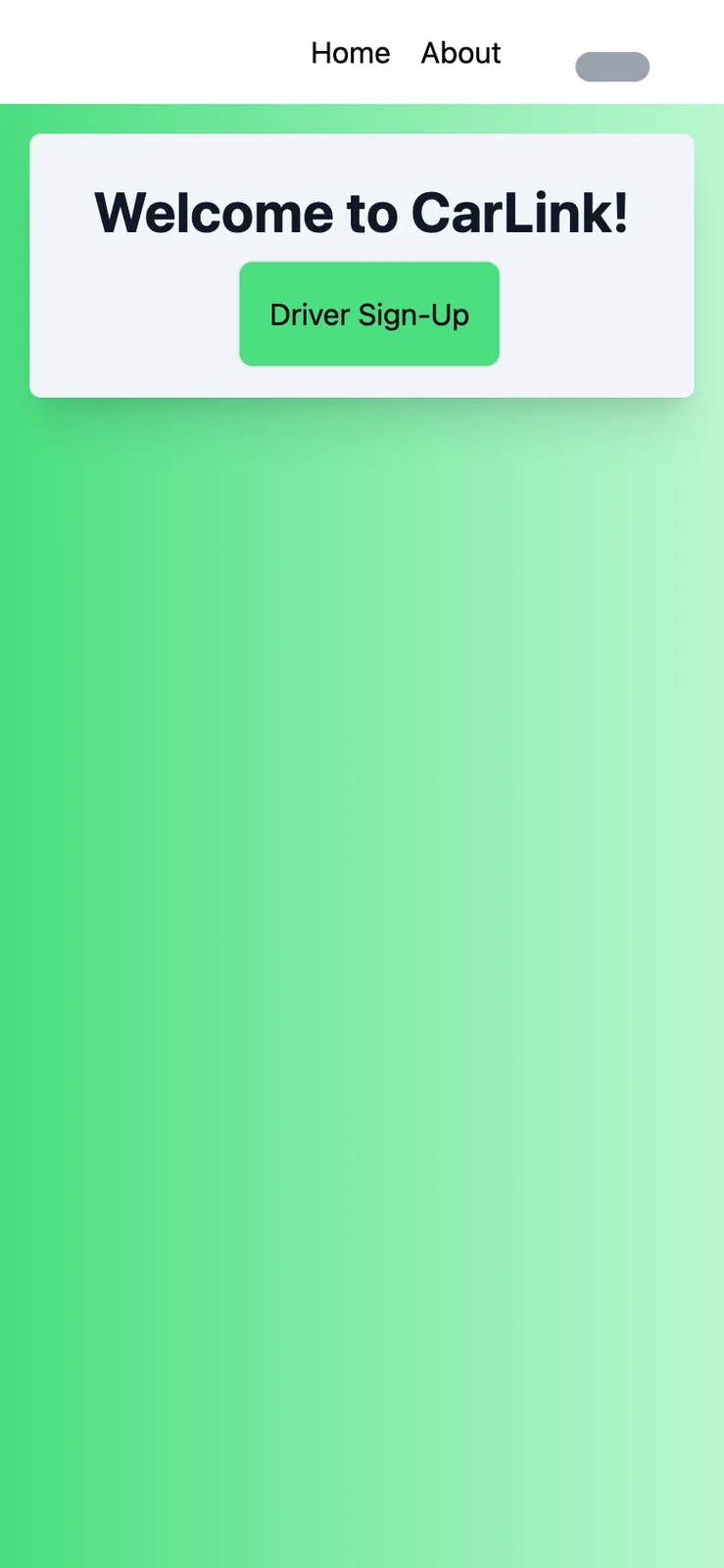
By 7:30 on Sunday morning the app had its routes, the driver and passenger pages and a green theme. The pink and purple version, committed as the "candyland theme", came in at 8:09. The last commit on that branch came at 11:03, I merged it at 11:25, and I merged my cleanup at 12:27 that afternoon.
The green navbar also tried to show a little car icon, but it pointed at a Windows file path on one laptop, which a web page can't load. The icon is still in the repo, and the navbar just says CarLink in text now. I rebuilt the midnight and 7:30 versions from the repo to get these screenshots.

Sheet 06 of 09/My part
What I did
I made 15 of the frontend's 33 commits, and 8 of those are pull request merges. My part was mostly running the repo. I created both repos, set up the Create React App project and moved it to the repo root, deleted the boilerplate files, added a header and footer, rewrote the README with the team list, and merged all eight pull requests.
The header and footer dropped out when the last feature branch replaced App.js, and my cleanup at the end deleted the leftover files. The forms, the Firestore code and the themes came from one teammate, and another teammate wrote the backend functions.
Sheet 07 of 09/Backend
The backend that never hooked up
The backend repo holds two Firebase Cloud Functions written in TypeScript. One copies a new passenger's data onto their driver's record, and the other takes a passenger's name off the driver's list when a Going flag flips from true to false. They sit on the repo's master branch, and the main branch only has a README.
The functions listen on Drivers/{driverId}/Passengers, but the frontend writes to Driver/{driverId}/passengers, so nothing the frontend saves would ever trigger them. The functions file also has admin.initializeApp() commented out, and it imports React without using it. The frontend ended up doing all of its reads and writes straight against Firestore.
Sheet 08 of 09/Loose ends
What it would need
It's archived as we left it that Sunday. Going by the code, the first fixes would be a real phone check in the verify step, saving the pickup time with the driver, and one set of collection names that the frontend and the backend both use. The navbar also still has a dark mode switch, commented out, that never got wired up.