Product engineeringSolo designer and engineerDrawing 6 of 33
Apply
Maxxing
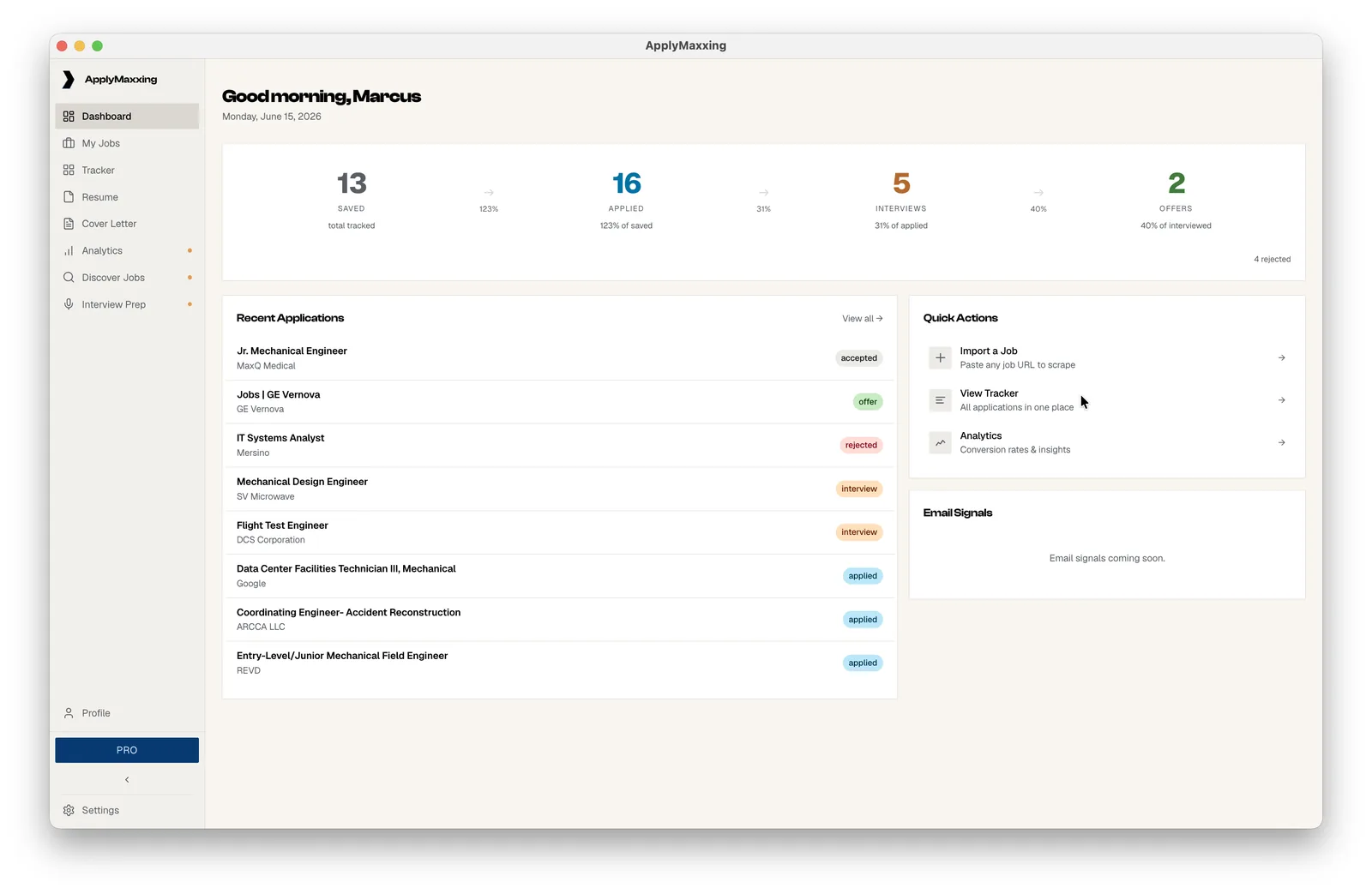
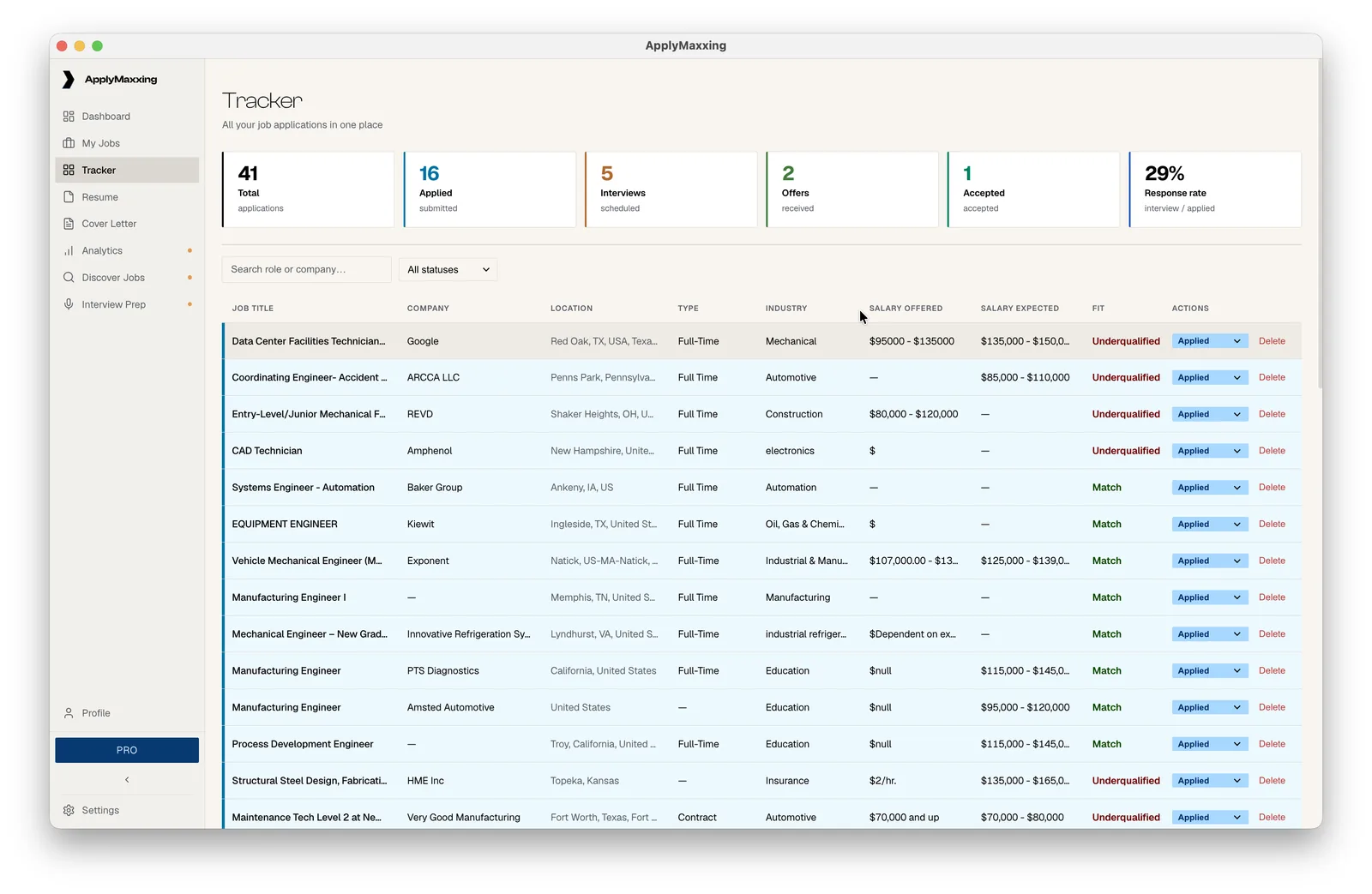
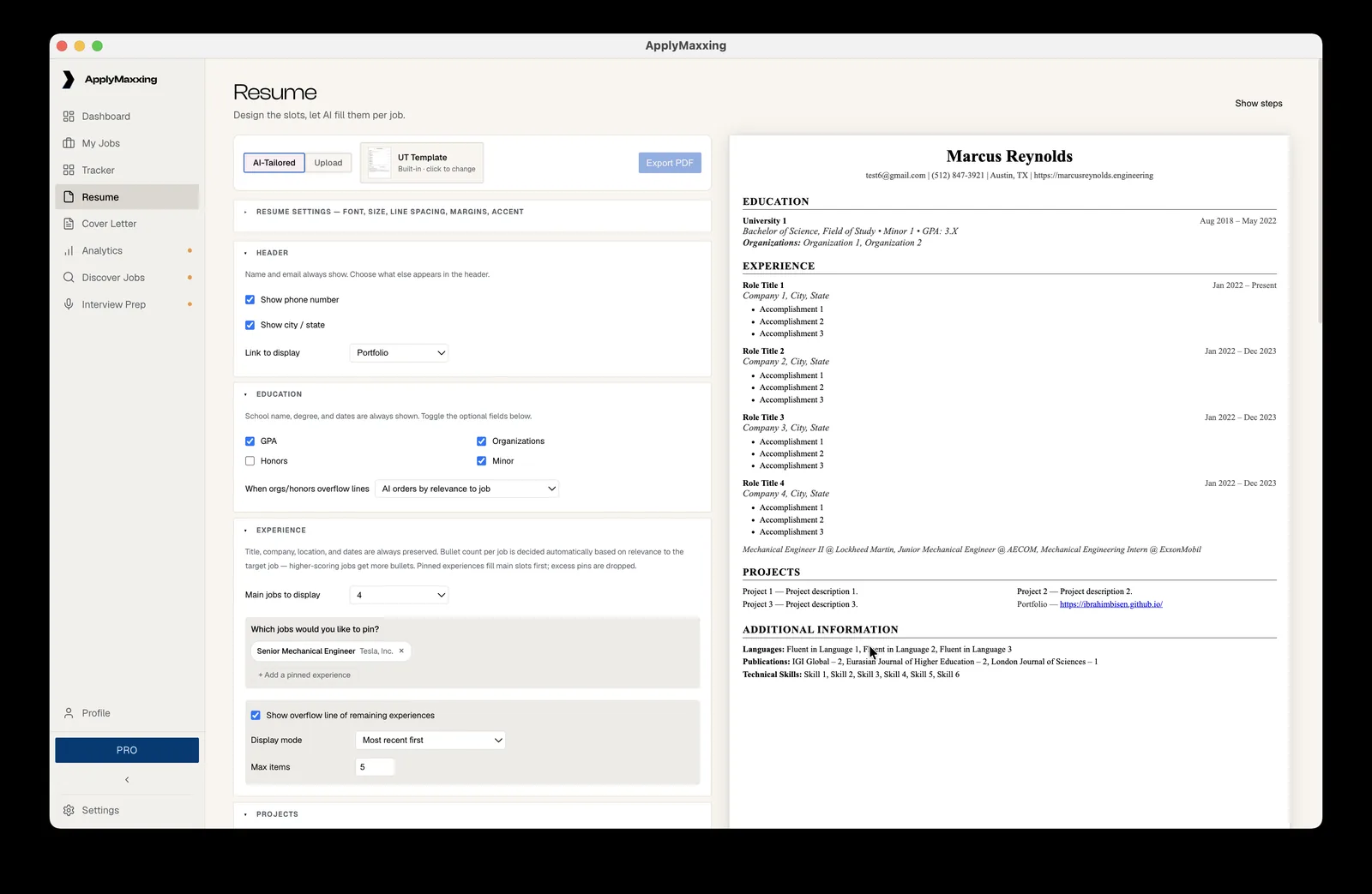
It tailors your resume to whatever job you're looking at, fills out the application for you, and keeps the whole search in one tracker. It all runs on your own machine, so your data never leaves it.
- StatusShipped, version 2.0.0, 2026
- Built withElectron, Node, SQLite, browser automation, LLM APIs
- Ships onmacOS, Windows and Linux, notarized Mac build with auto-update
- AI accessincluded on subscriptions, bring your own key on the lifetime plan
- Also builta marketing site, an admin dashboard, and live billing
Sheet 02 of 07/The problem
The same information, over and over
Every job wants the same information typed into its own form in its own way, so I built something that retypes it for me.
Sheet 03 of 07/Local first
No account, no login
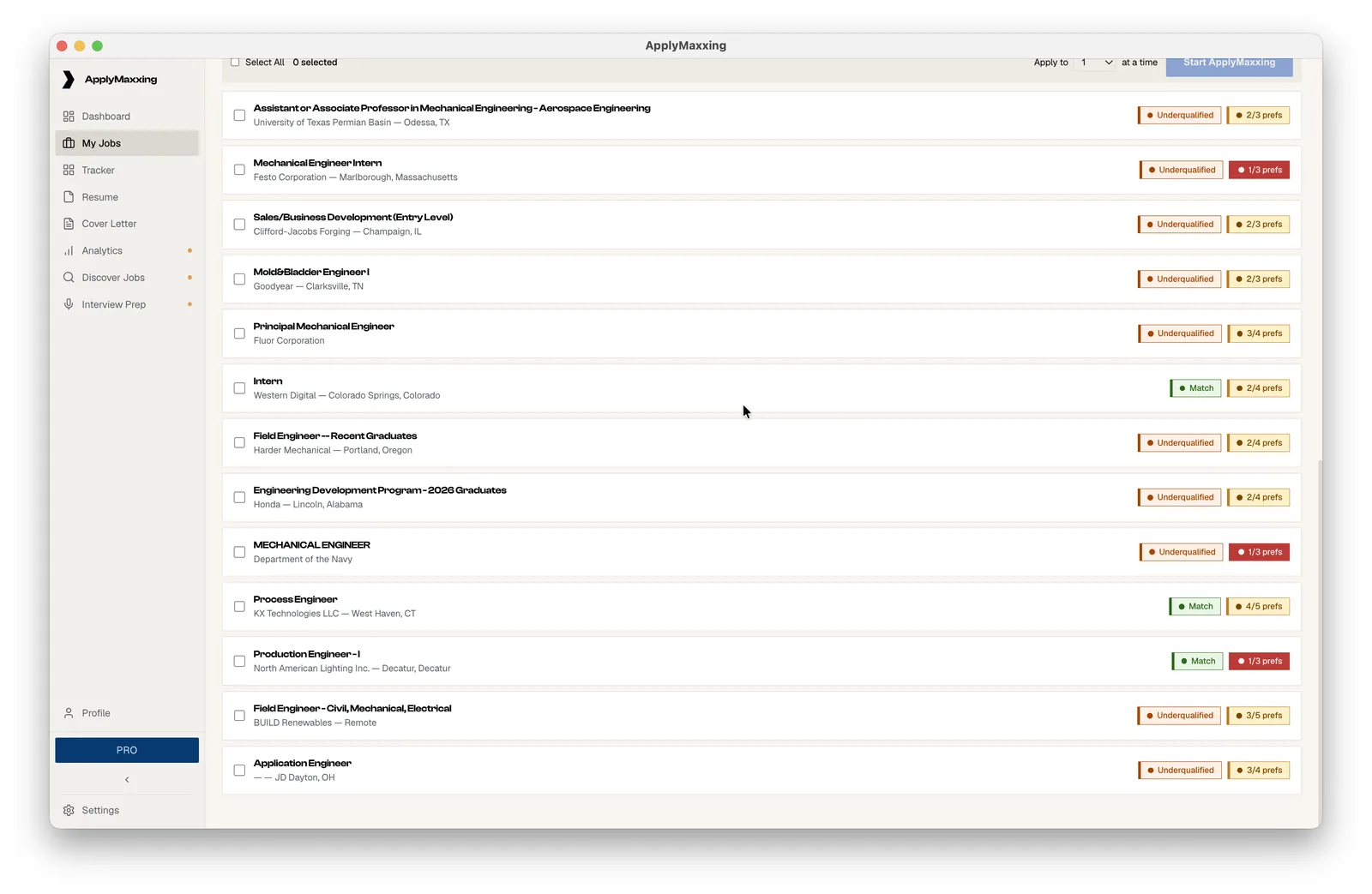
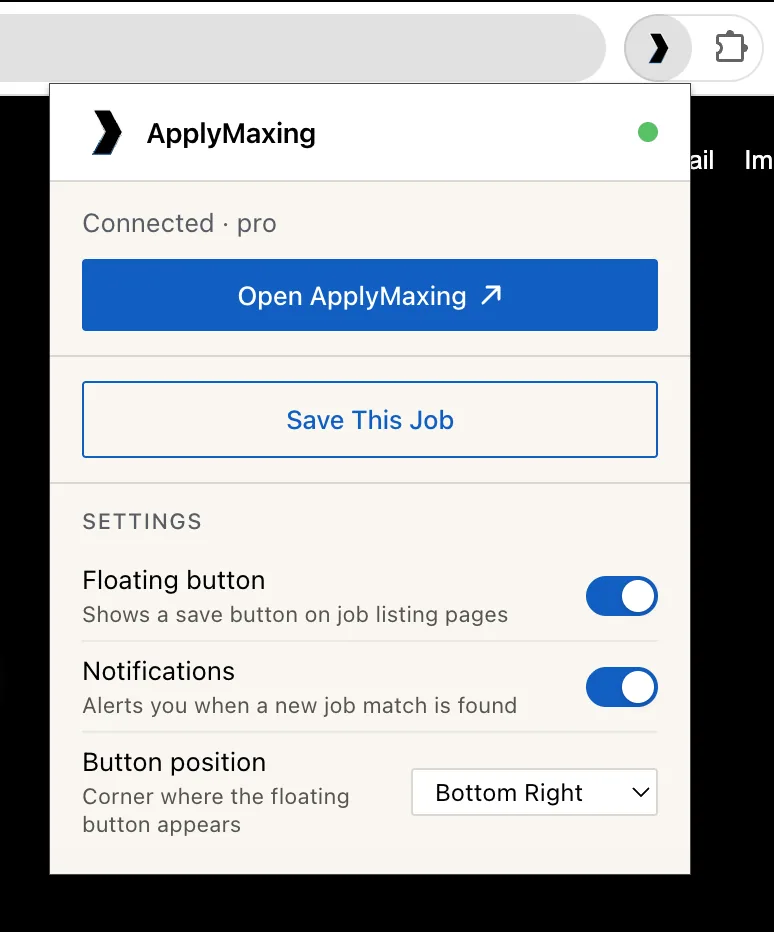
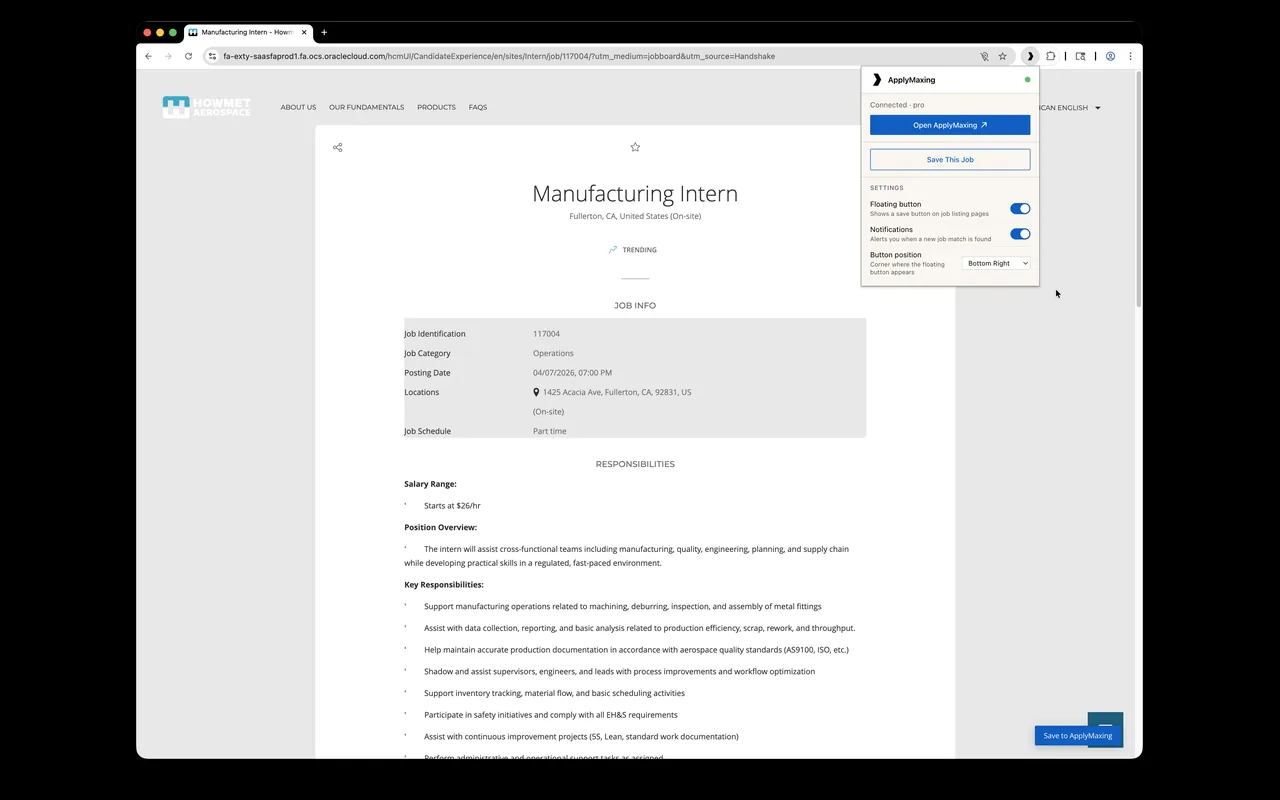
The browser extension connects straight to the app running on your own machine, so saving a job is one click, no account and no login.
Sheet 04 of 07/No guessing
It doesn't make things up
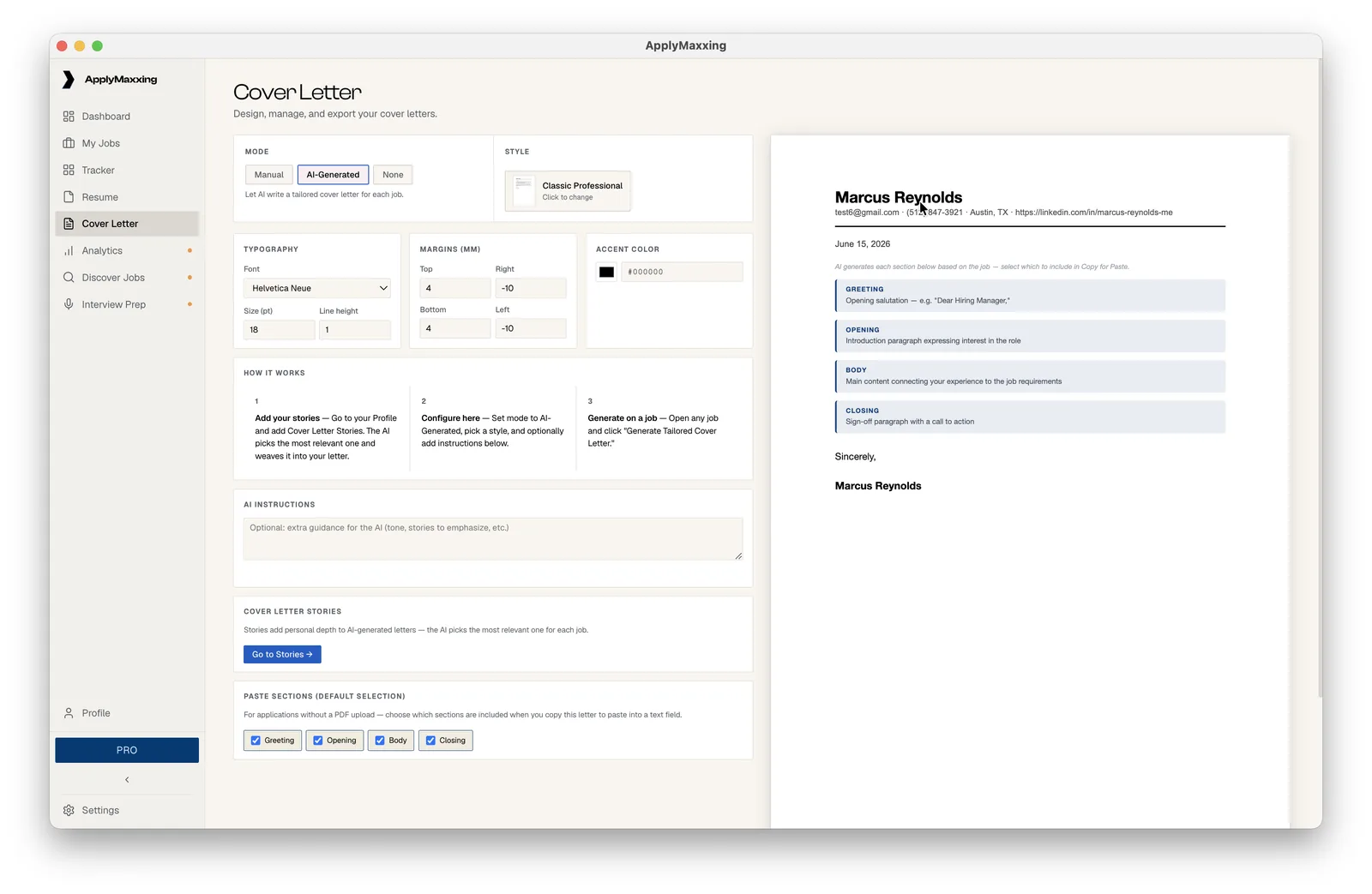
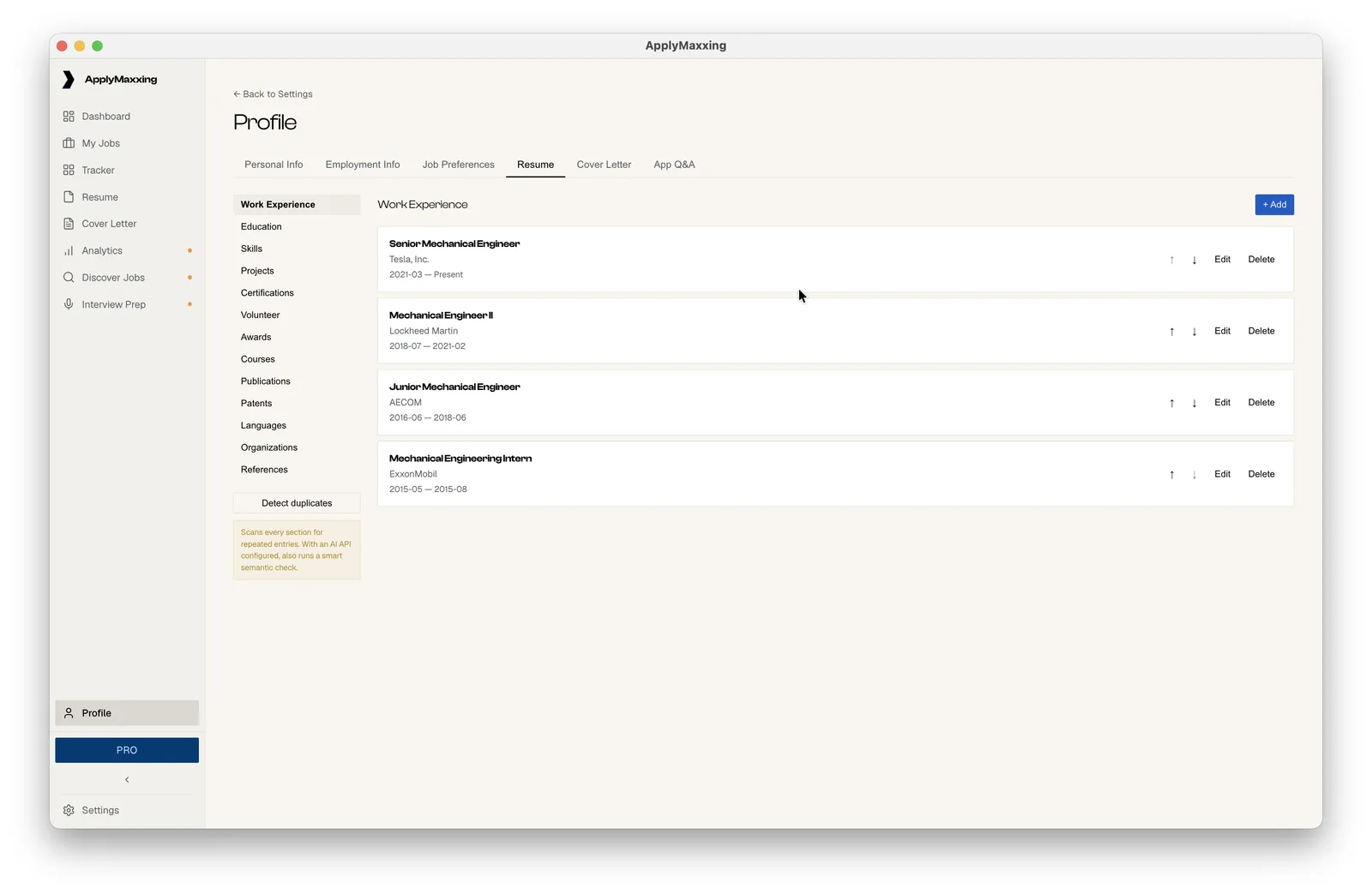
It fills out the form itself and flags every field green, yellow or red for how sure it is, but you always click submit yourself. Same with the resume AI: it can rewrite what's already in your profile, it can't invent a skill or a job title you don't have.
Sheet 05 of 07/What's shipped
A real product, not a demo
This isn't a demo, it's a shipped product with its own website, its own billing, a free tier, paid plans and a lifetime option, and I built and run all of it by myself.
Sheet 06 of 07/Next
Whatever email signals turns out to be
The dashboard already has a panel called email signals that just says coming soon, so that's next, whatever it ends up being.
PL 08The extension over a live posting, which is where the whole loop starts: one click sends the job to the app.