Desktop appSolo designer and engineerDrawing 45 of 47
Keyboard
Editor
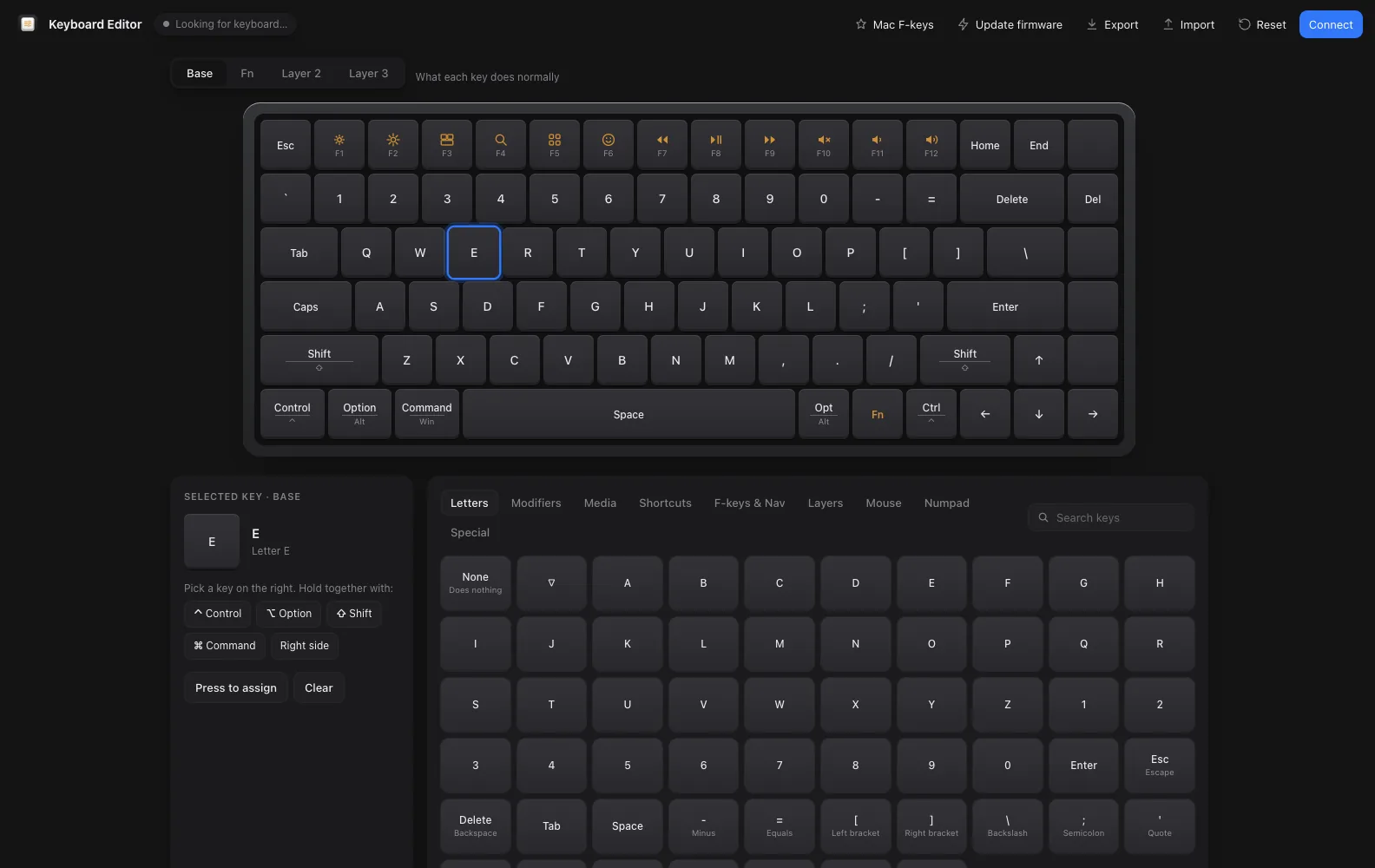
A desktop app I wrote to remap my own keyboard. It finds the board over USB, lets you change any key on four layers, and keeps your keymap safe even if the keyboard gets reset.
- StatusWorking, version 1.0.0, 2026
- Built withElectron, WebHID, the VIA protocol
- Runs onmacOS and Windows
- Drivesmy second keyboard, an STM32F072 running QMK with VIA
- Layers4, Base, Fn and two more
Sheet 02 of 07/Why
One app for one keyboard
My second keyboard runs QMK with VIA. This app is built for that one board: it finds the keyboard on its own when you plug it in, and runs on Mac and Windows.
Sheet 03 of 07/Remap
Changing a key
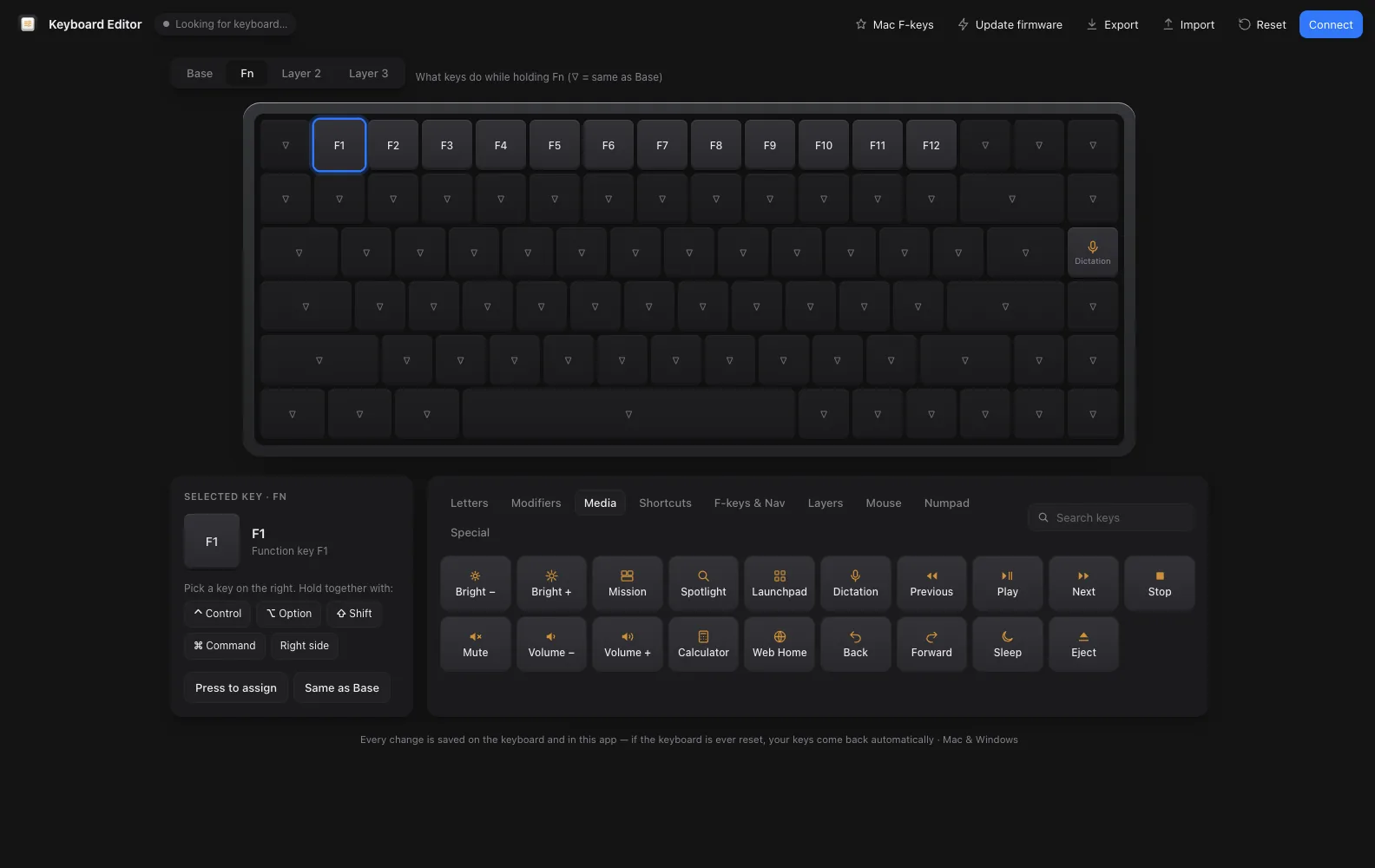
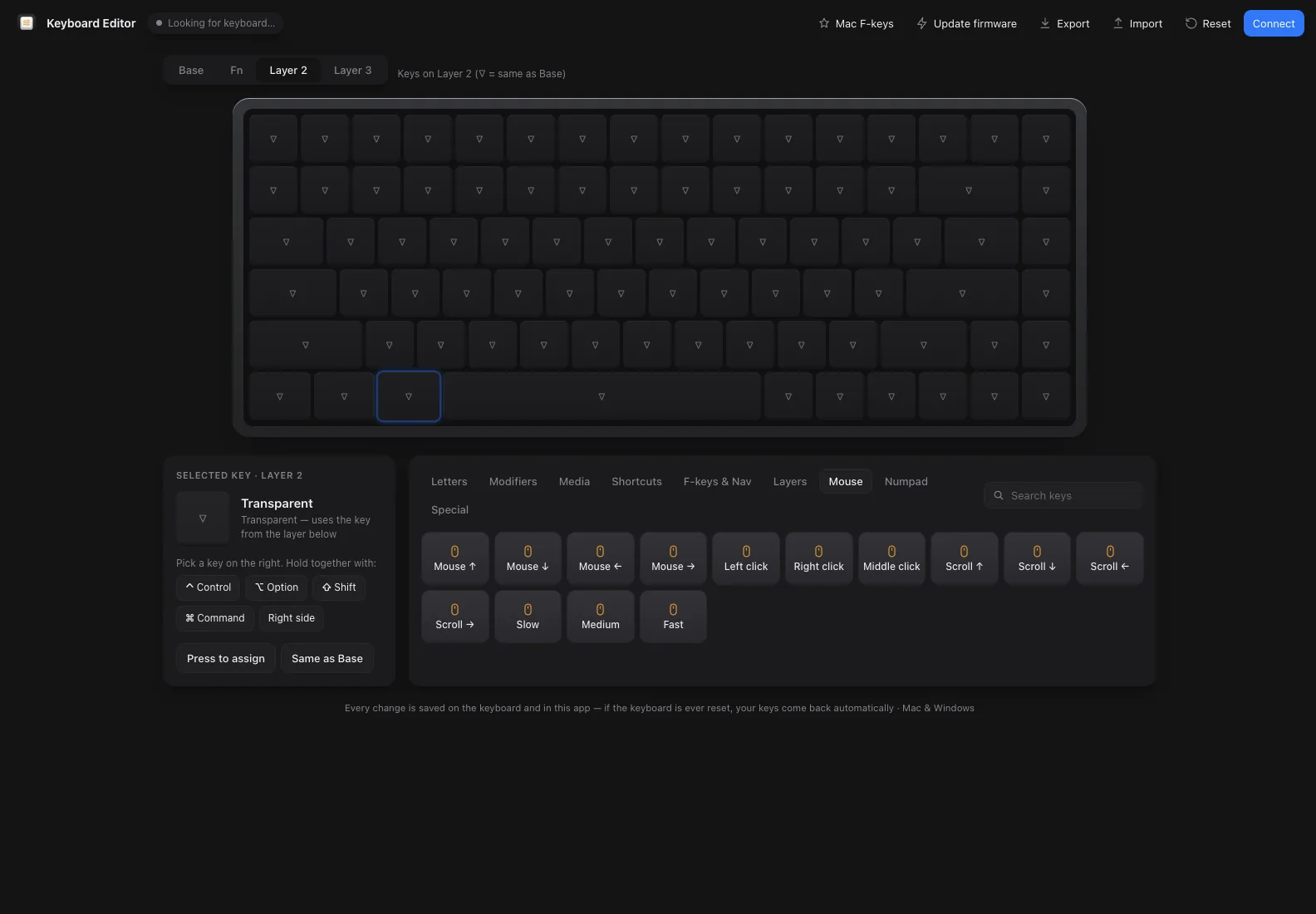
Click a key on the drawing, then pick what it should do from the list, or press "Press to assign" and hit the key you want. Control, Option, Shift and Command can be held together with it.
Sheet 04 of 07/Layers
Four layers
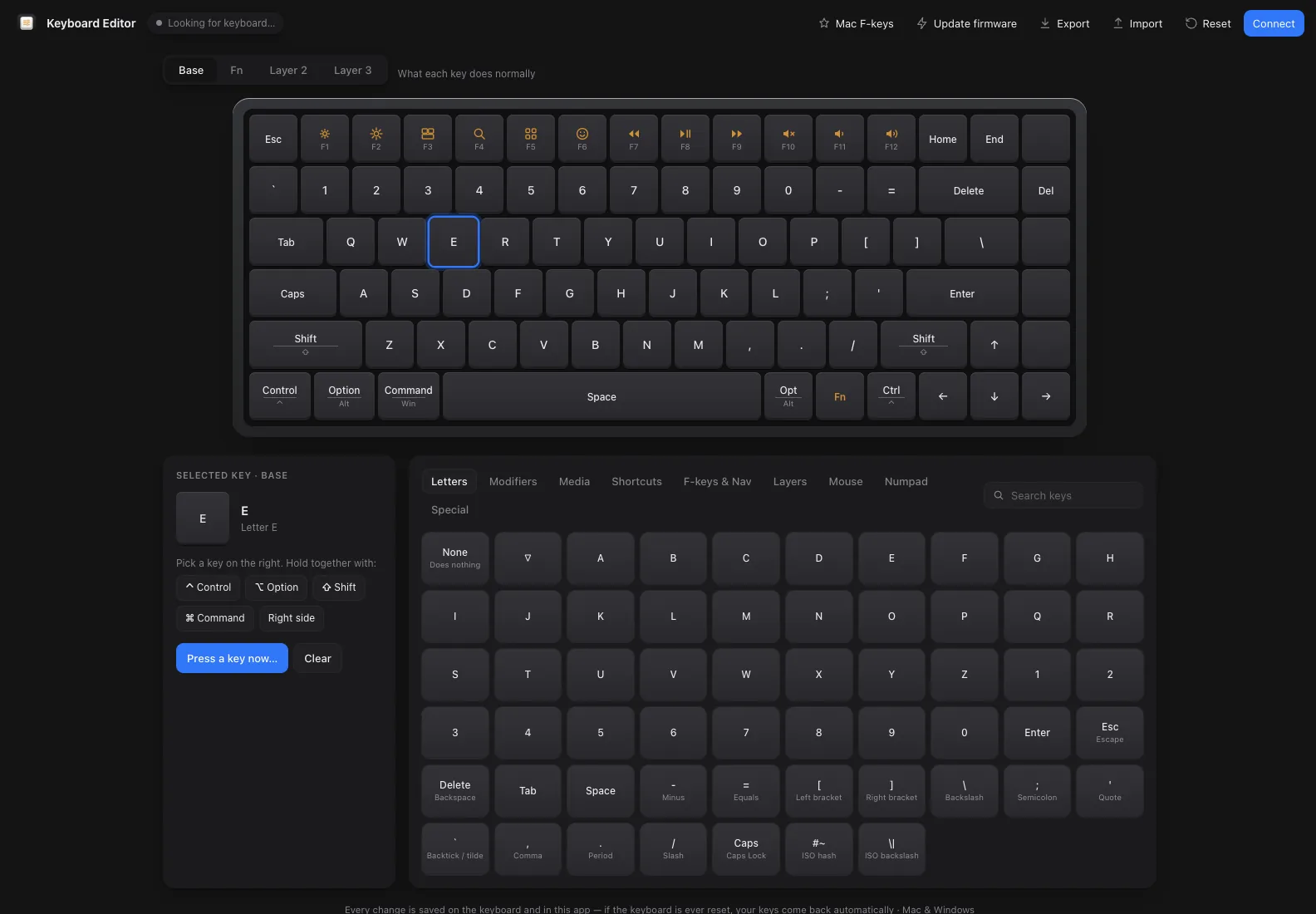
Base is what each key does normally. Fn holds the Mac row: brightness, Mission Control, Spotlight, media keys and a Dictation key that I added to the firmware myself. The other two layers start transparent, so a key falls through to Base until you give it a job, like mouse keys or a whole Mac shortcut.
Sheet 05 of 07/Safety
Keys that come back
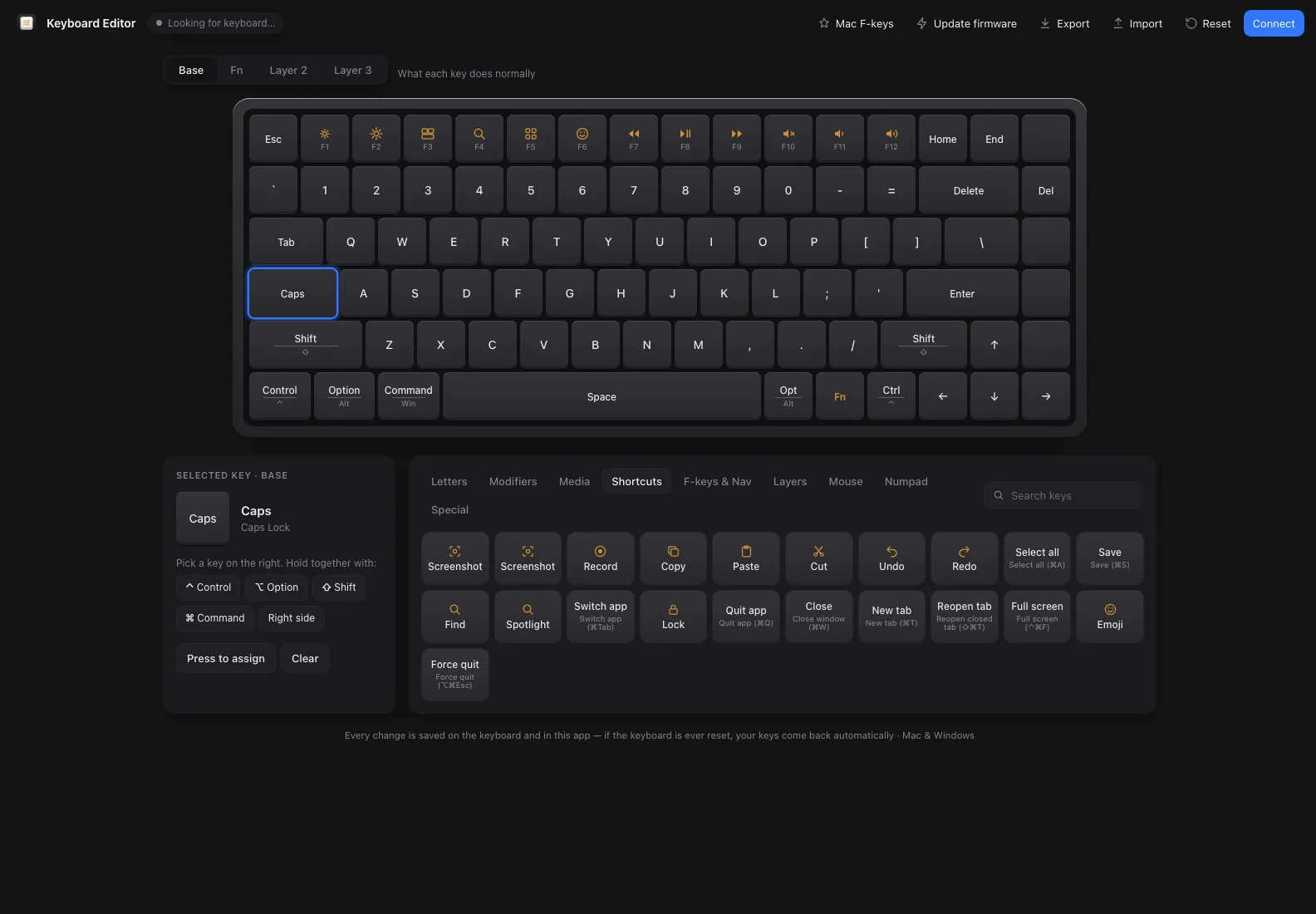
Every change is saved on the keyboard and in the app. When the board connects, the app writes your keymap back to it, so a reset or a fresh flash never loses your layout.
Sheet 06 of 07/Firmware
Updating the firmware
The app can also flash new firmware. It asks the keyboard to jump into its bootloader, then writes the update with dfu-util and puts your keys back afterwards.
Sheet 07 of 07/Next
What comes next
The plan is to grow this same app to cover my fourth keyboard as well.