Status Running daily

Sheet 01 of 10/General arrangement

Self-hosted softwareDrawing 29 of 29Role Design and build

Plate

I was paying a subscription to photograph my food. Underneath it sat a food database, some arithmetic and one vision call, so I built the same thing for myself, released it, and then forked my own release to live inside this site. Two builds of one app, and the interesting part is where they disagree.

Specification / as recorded

Status
Running daily, 2026
Role
Design and build
Replaces
A Cal AI subscription
Built with
Next.js, SQLite and drizzle, self-hosted
Released
MIT, on GitHub
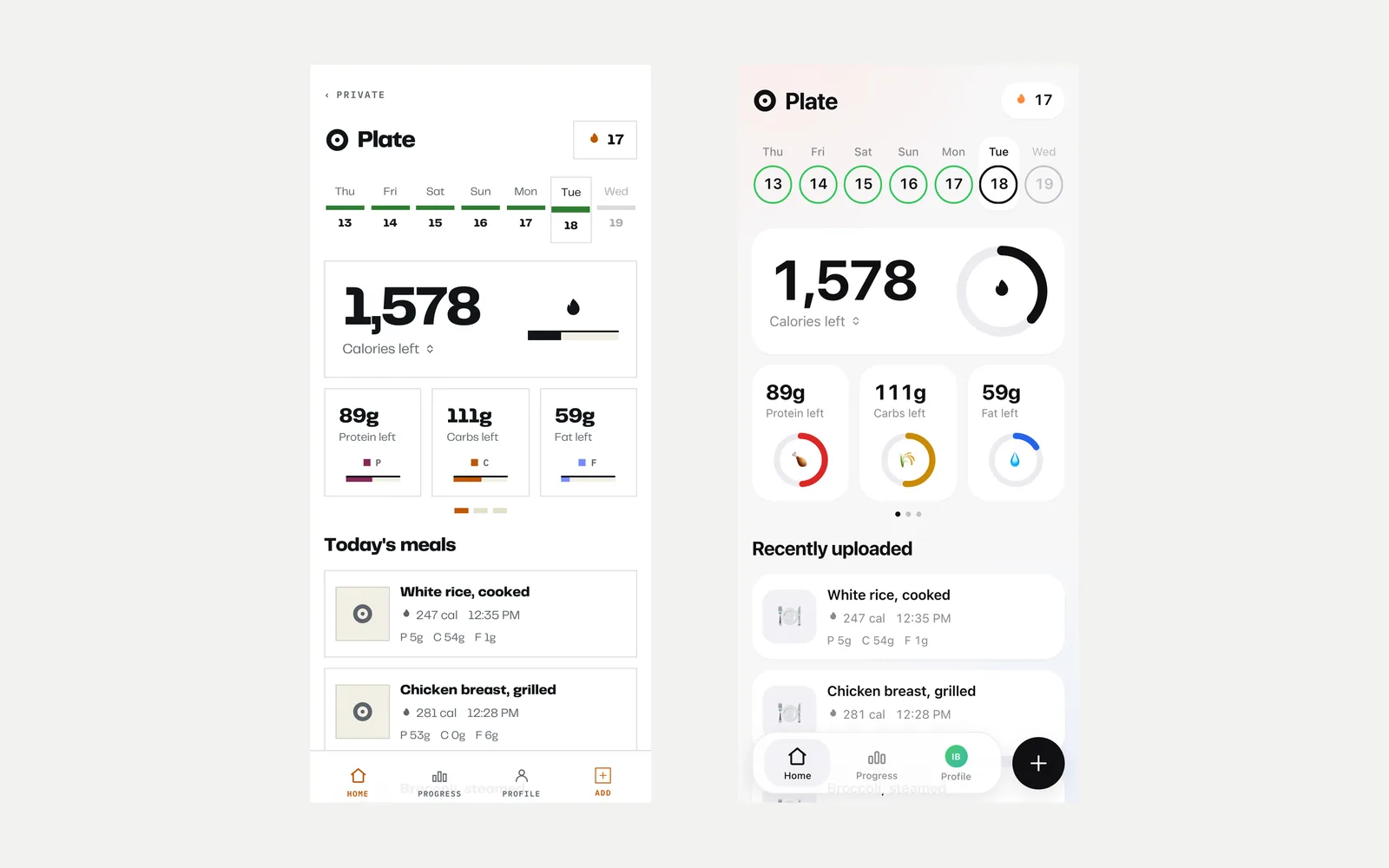
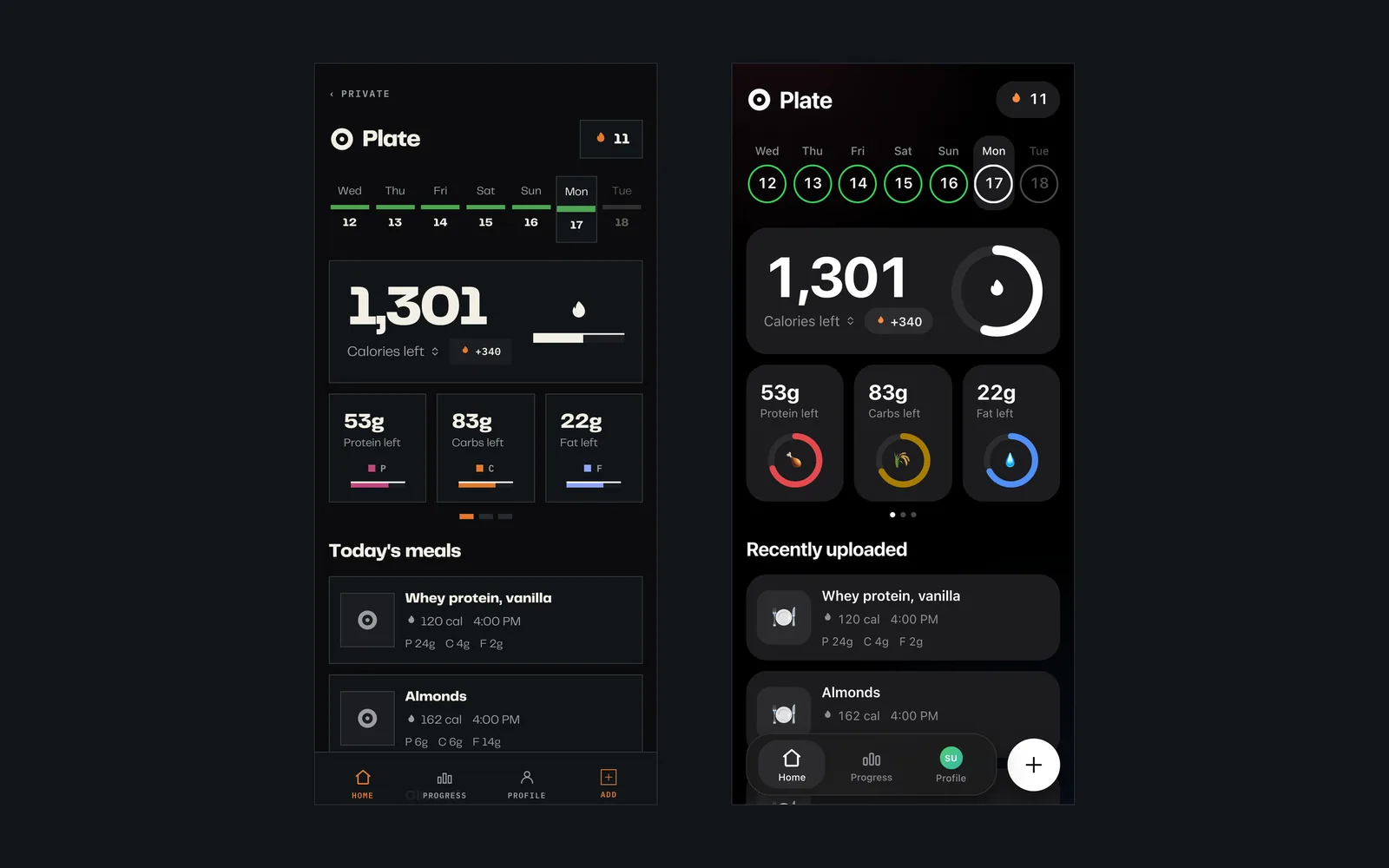
Two phone screens side by side showing the same calorie tracker day, one drawn with square fields and hairline bars, the other with rounded cards and circular rings
PlatePL-01
TitleSame Monday in both builds
ViewGeneral
From the same seeded log: my fork on the left, the open-source release on the right.

Sheet 02 of 10/Specification

By the numbers

MeasureThis forkPublic releaseBasis
Tracked files133104git ls-files
Lines of TypeScript in src11,2909,617wc -l
Database tables1716schema.ts
Migrations applied51drizzle/
App screens2019app router pages
Server actions85app/actions/
Test files21tests/
Mounted at/private/plate, behind a signed cookieDomain root, no authnext.config.ts
Owns body weightNo, reads the site's tracker read onlyYes, its own table and history pageschema.ts
Ways to log a meal5: photo, barcode, voice, search, manualSameapp router pages
Runtime dependencies99package.json
LicenceNot released; the fork lives in a private repoMITLICENSE

Sheet 03 of 10/System

How it fits together

The same source tree ships twice. On the left it stands alone at a domain root with its own weight table. On the right it is a child process behind the site's cookie gate, reading body weight from the separate tracker and handing day totals to the health page.

ONE SOURCE TREE PLATE SAME CODE PUBLIC RELEASE DOMAIN ROOT, NO AUTH OWNS BODY WEIGHT NOTHING ELSE TO TALK TO THIS SITE SIGNED COOKIE GATE PLATE, CHILD PROCESS WEIGHT TRACKER READ ONLY HEALTH PAGE DAY TOTALS
PlatePL-02
TitleOne app, two mounts
ViewSchematic
The same source tree ships twice. On the left it stands alone at a domain root with its own weight table. On the right it is a child process behind the site's cookie gate, reading body weight from the separate tracker and handing day totals to the health page.

Sheet 04 of 10/Why

A subscription for arithmetic

Cal AI is a good app. You photograph a meal, a model names the ingredients, and it keeps a running total against a target it worked out from your height and weight. I used it for months and it did what it said.

What I kept catching on was what I was renting. A food database, a few formulas anyone can look up, a chart, and one call to a vision model. The database is public. The formulas are Mifflin St Jeor and a Nutri-Score derivation, both published. The vision call costs a fraction of a cent and I would be paying for it either way. The subscription was buying me the assembly, and the assembly is a weekend if you already know what you want.

So I cancelled it and wrote the thing down. The point was not to save money, which it barely does. It was that my food log and my body photographs were sitting on somebody else's server under a licence I could not read, and there was no technical reason for that to be true.

Sheet 05 of 10/The build

Five ways in, one way through

The whole app is one idea repeated: every way of logging a meal has to end at the same row in the same table. Photograph it and a vision model returns ingredients with gram estimates. Scan a barcode and Open Food Facts returns a product. Say it out loud and it is transcribed. Search and you get a food out of the bundled USDA set. Or type it in. Five front doors, one hallway.

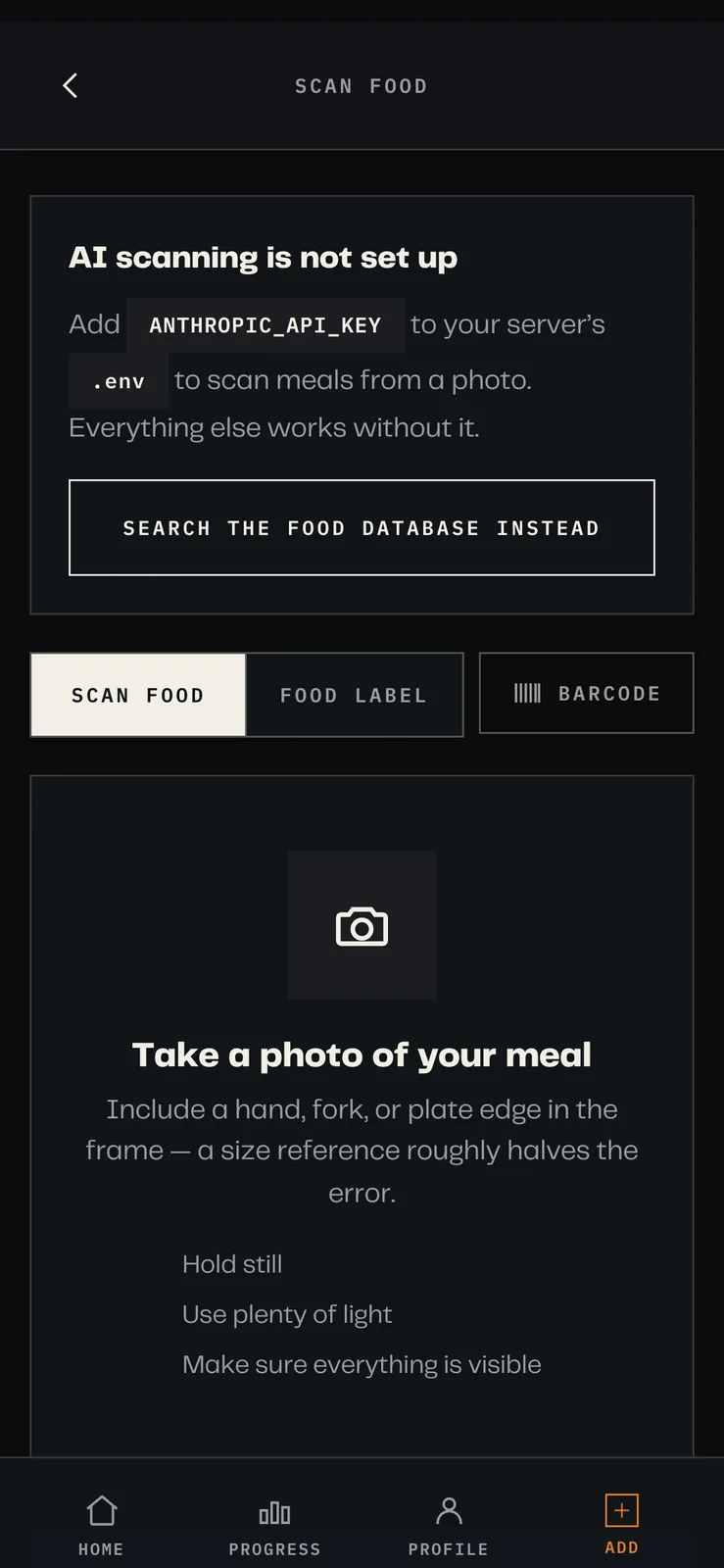
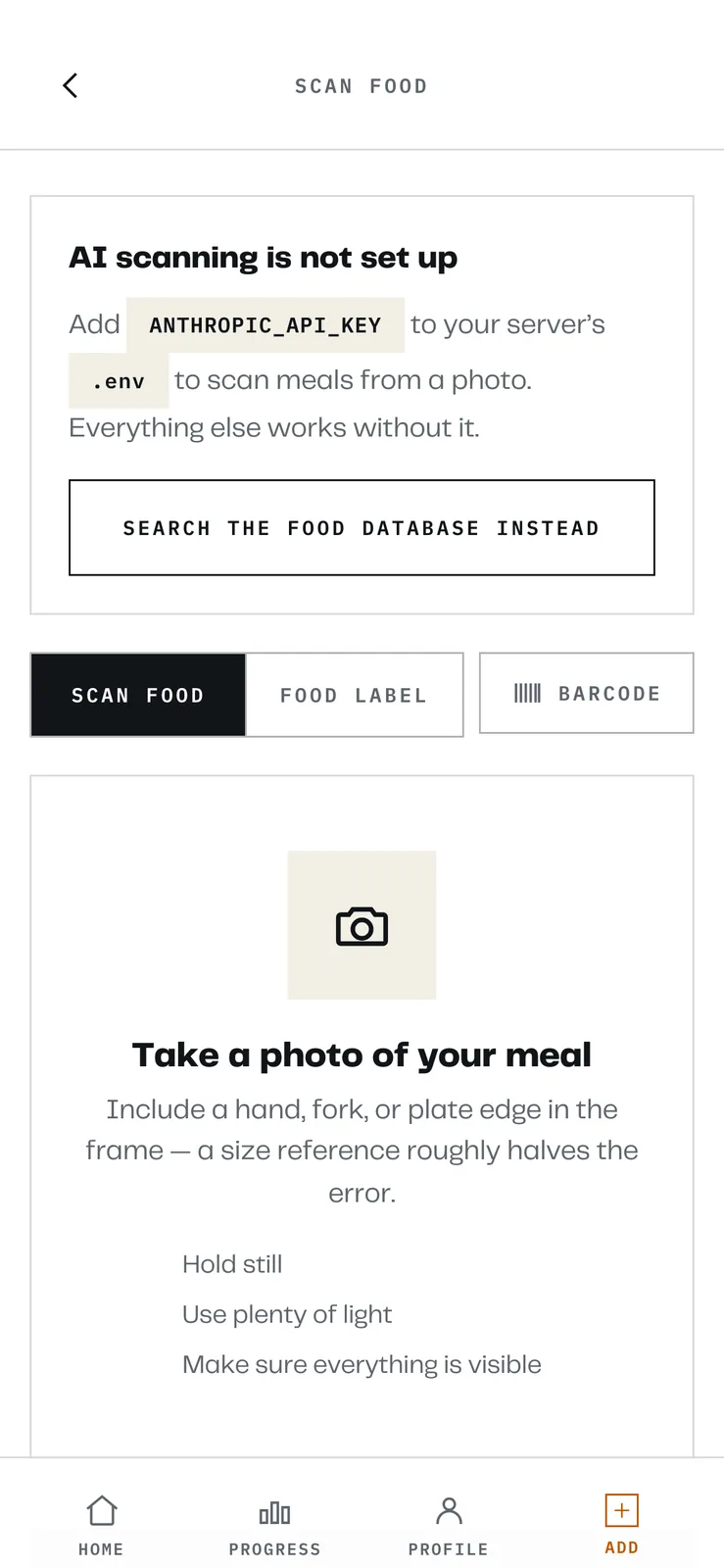
A scan screen prompting the user to photograph their meal
PlatePL-03
TitlePhoto scan screen
ViewDetail
Where a vision model turns a picture of a meal into a list of ingredients with editable grams.
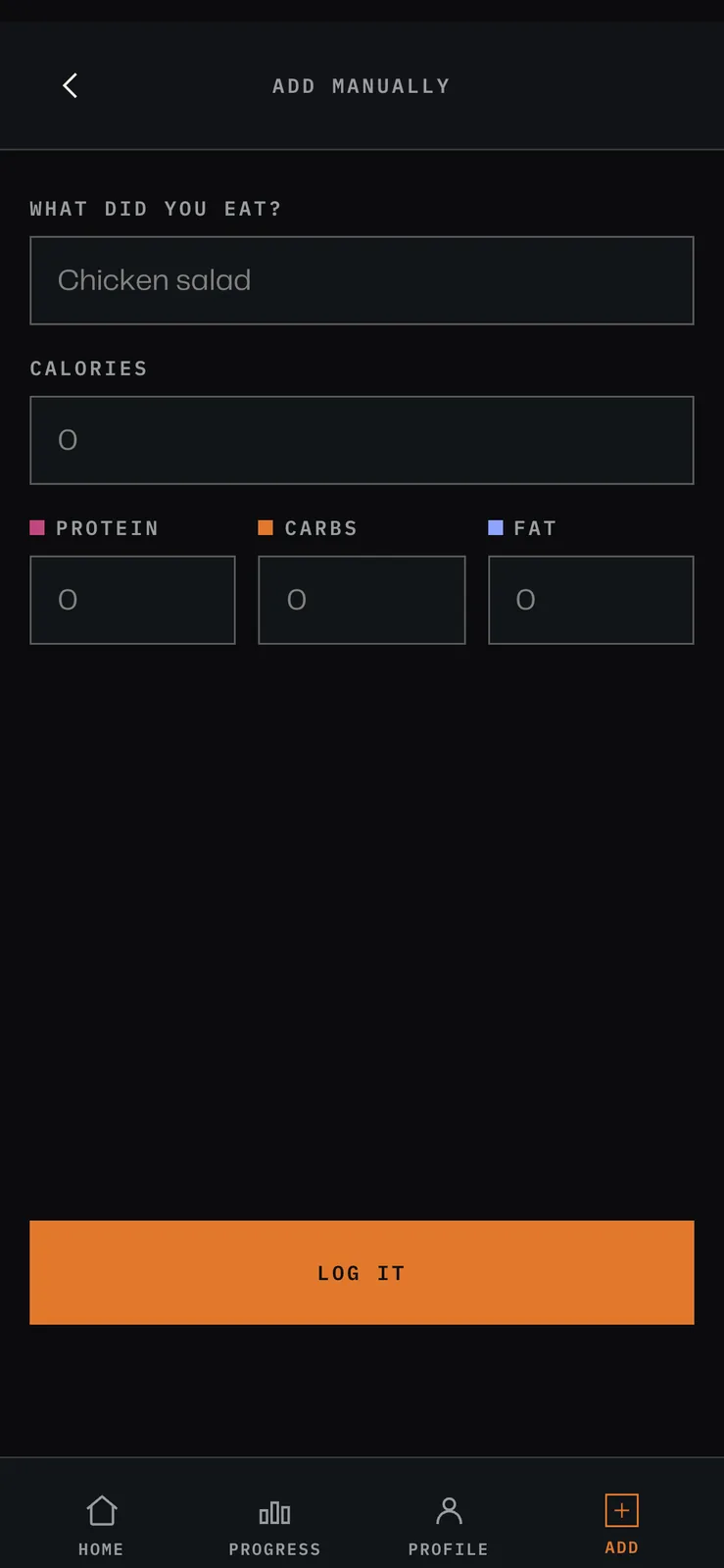
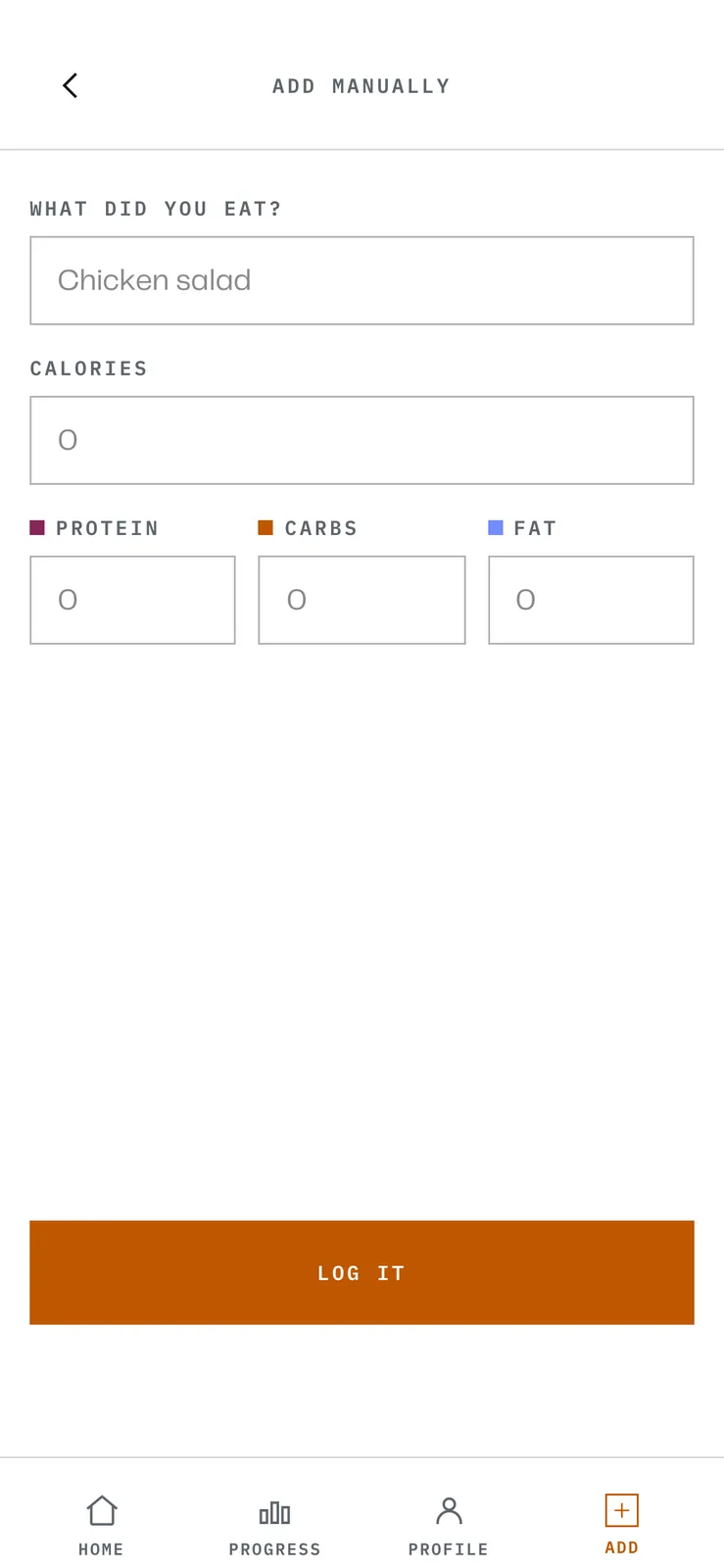
A manual food entry form with fields for name, serving size and calories
PlatePL-04
TitleManual entry, which needs no key
ViewDetail
No network and no model. It is the path that has to keep working when everything clever is switched off.

That mattered more than it sounds. Nutrition is stored per hundred grams and nothing else, with portions as multipliers on top, so a cup, a scoop, a slice and a barcode all reduce to grams before anything is added up. Get that wrong once and every total downstream is quietly wrong forever.

The log entry then freezes its own numbers. It keeps the food id for provenance but never reads through it, because an Open Food Facts contributor fixing a typo should not silently rewrite what I ate in March. The same instinct applies to goals: they are history rows with an effective date, not a mutable settings field, so editing today's target does not rewrite last month's.

And the clever parts are all optional. Photo scanning and voice need an API key. Search, barcode and manual entry need nothing. If the model is down, or the key is missing, or there is no signal, the app still logs food. That was a rule from the start rather than a fallback added later.

Sheet 06 of 10/The fork

The same app, drawn twice

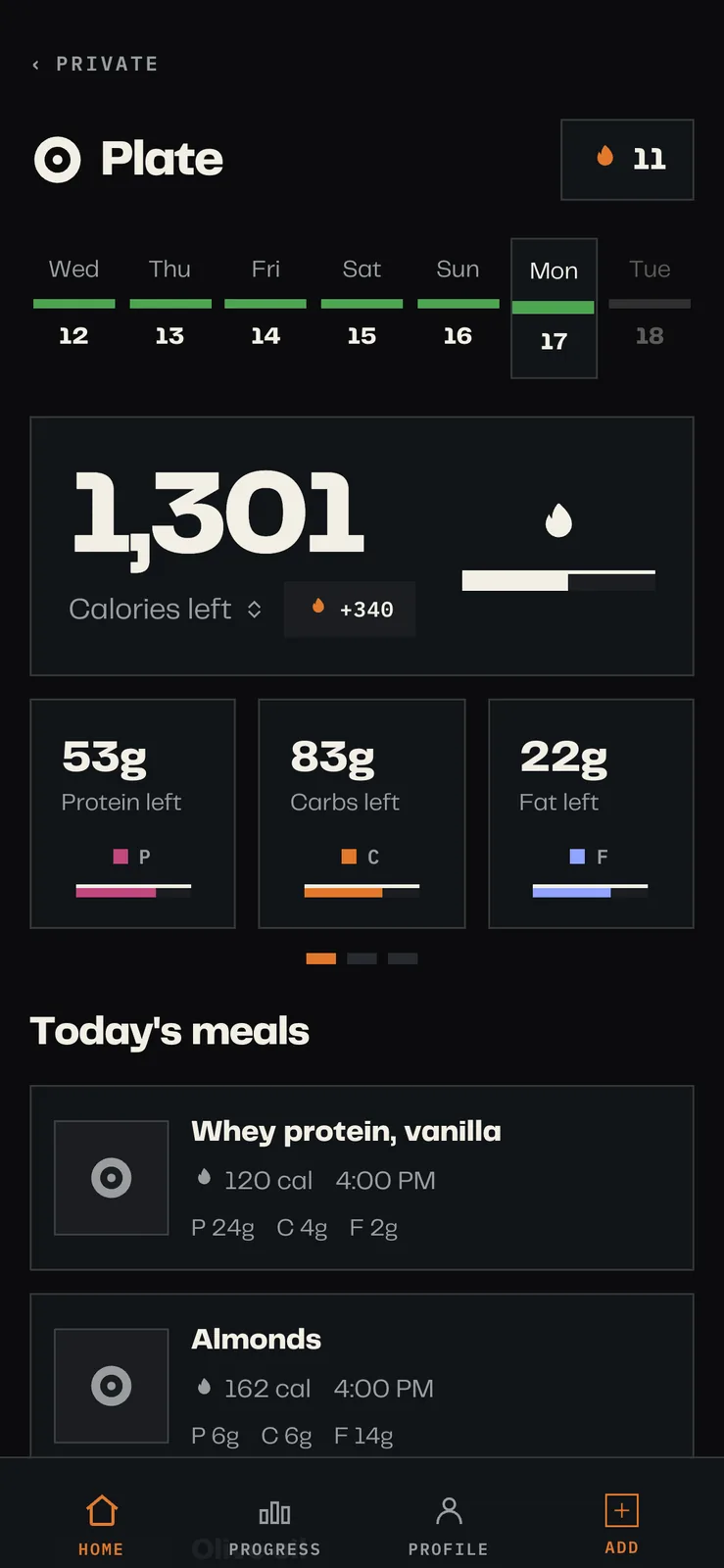
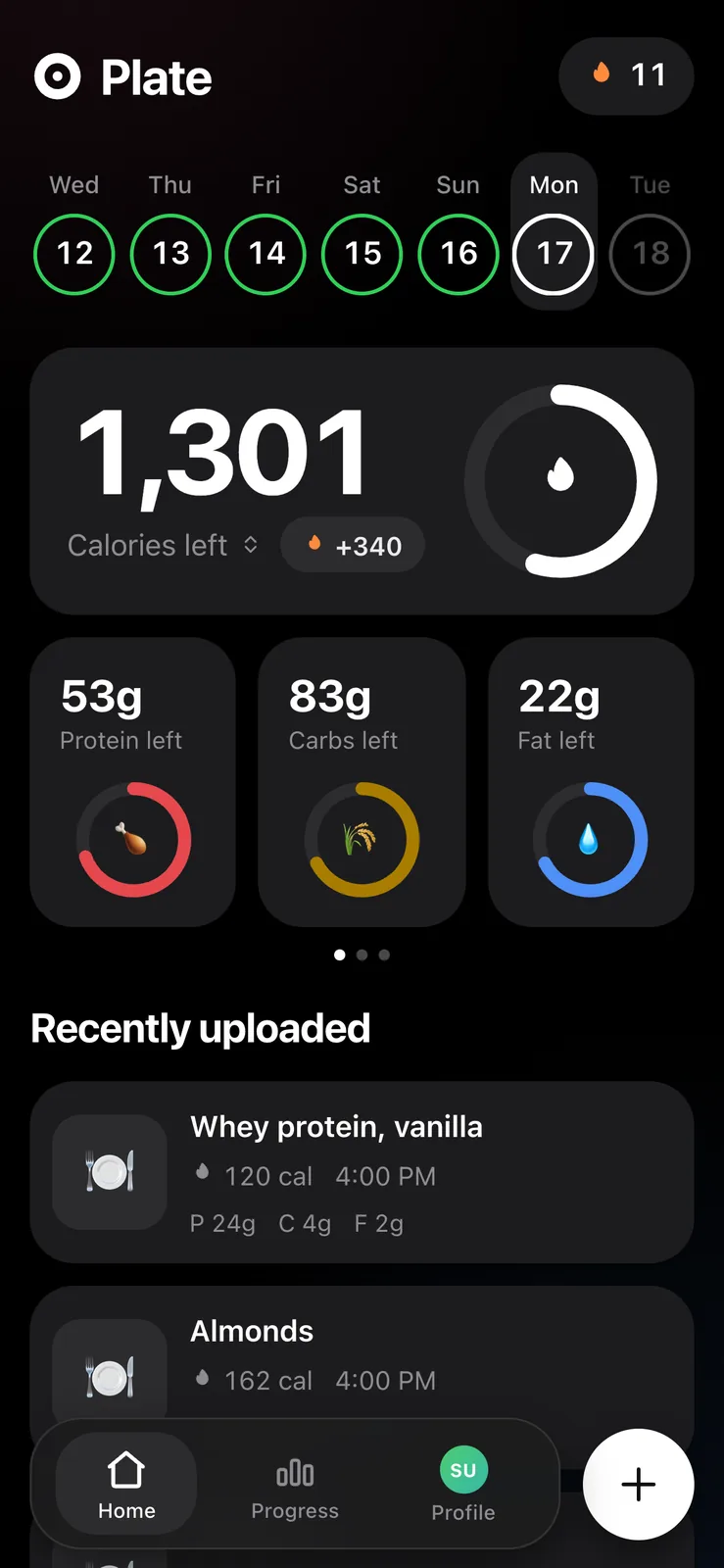
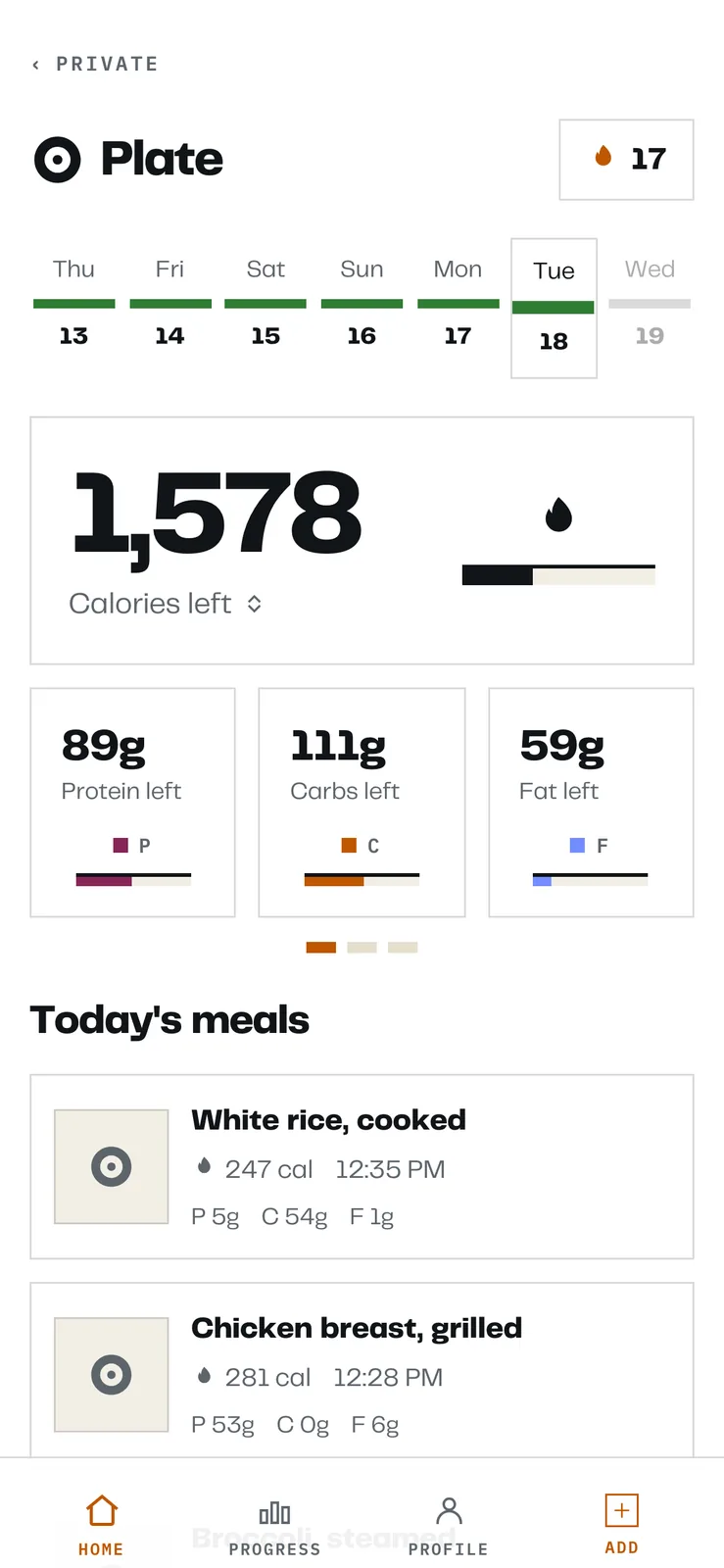
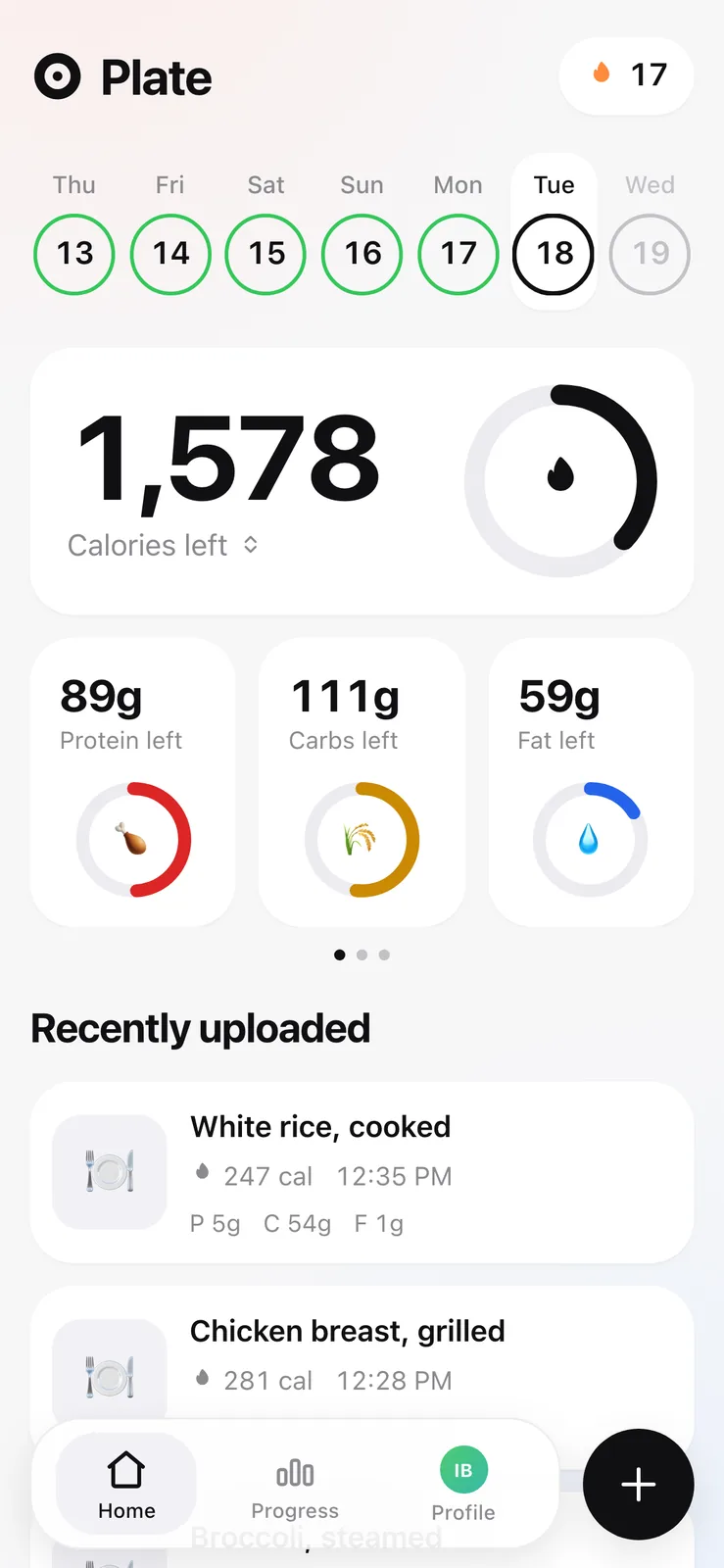
The public release and the copy running on this site come from the same source tree and have drifted apart on purpose. Both screenshots below are the same seeded Monday, the same log, the same totals, rendered by two builds.

Calorie tracker home screen in a dark theme with square panels, 1,301 calories left, and protein, carbs and fat shown as flat bars
PlatePL-05
TitleMy fork's home screen
ViewDetail
Square fields, hairline meters, a mono tab bar, and a PRIVATE link back out to the rest of the site.
The same calorie tracker home screen drawn with rounded cards, circular progress rings around food emoji, and a floating pill navigation bar
PlatePL-06
TitlePublic release
ViewDetail
Same numbers to the calorie: rounded cards, circular macro rings and a floating tab bar with an add button.

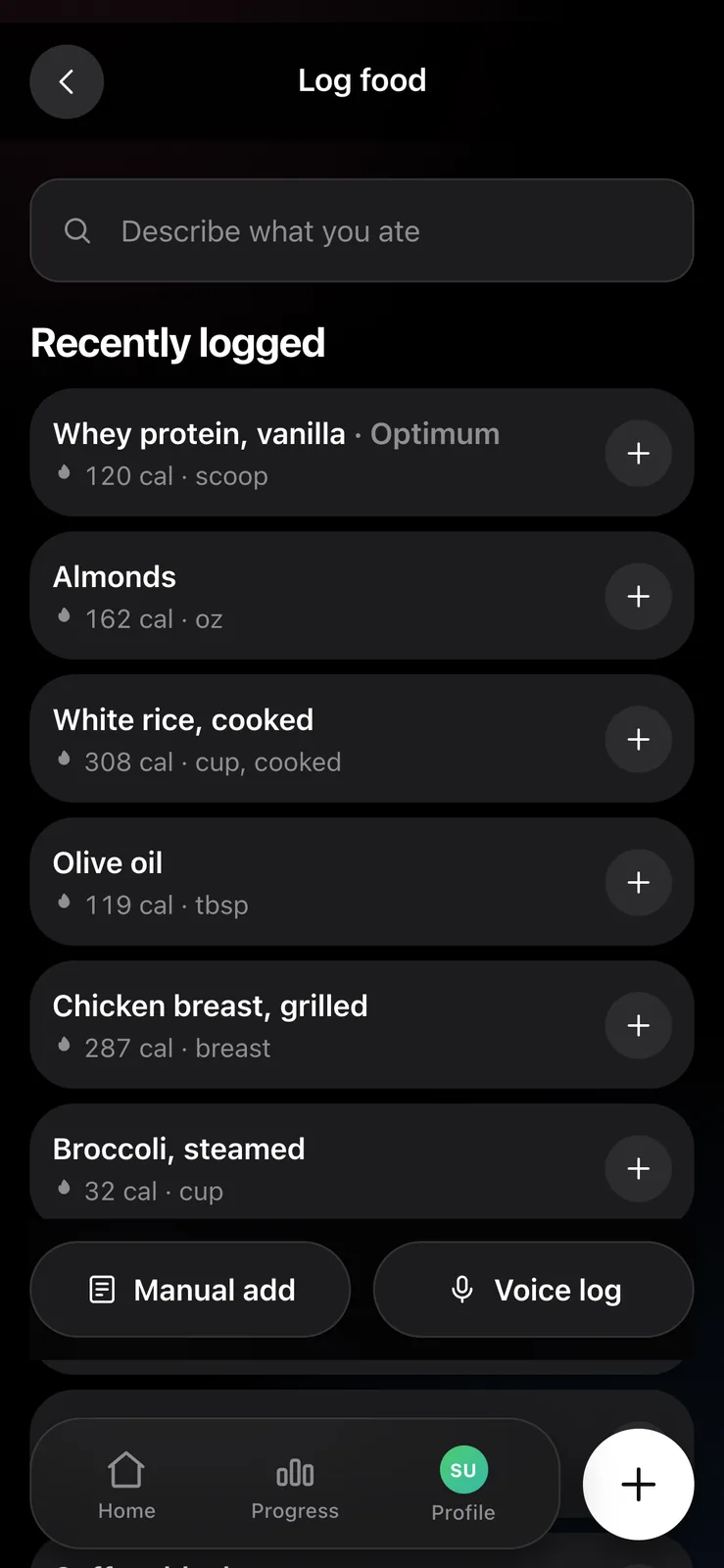
The public one is the app as a stranger should meet it: rounded cards, circular macro rings, a floating tab bar, emoji doing the work of icons. It is legible on a phone you have never seen before and it owes nothing to any other page.

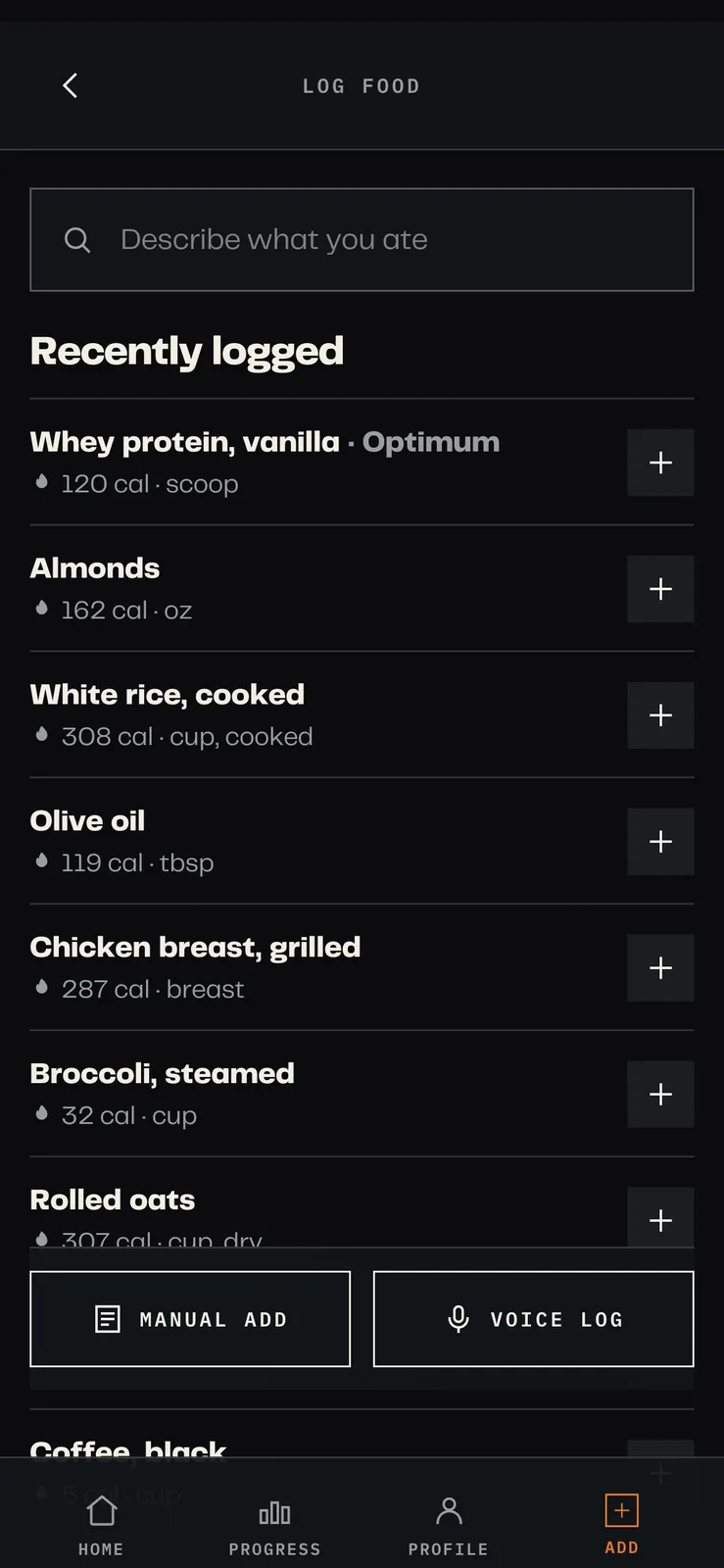
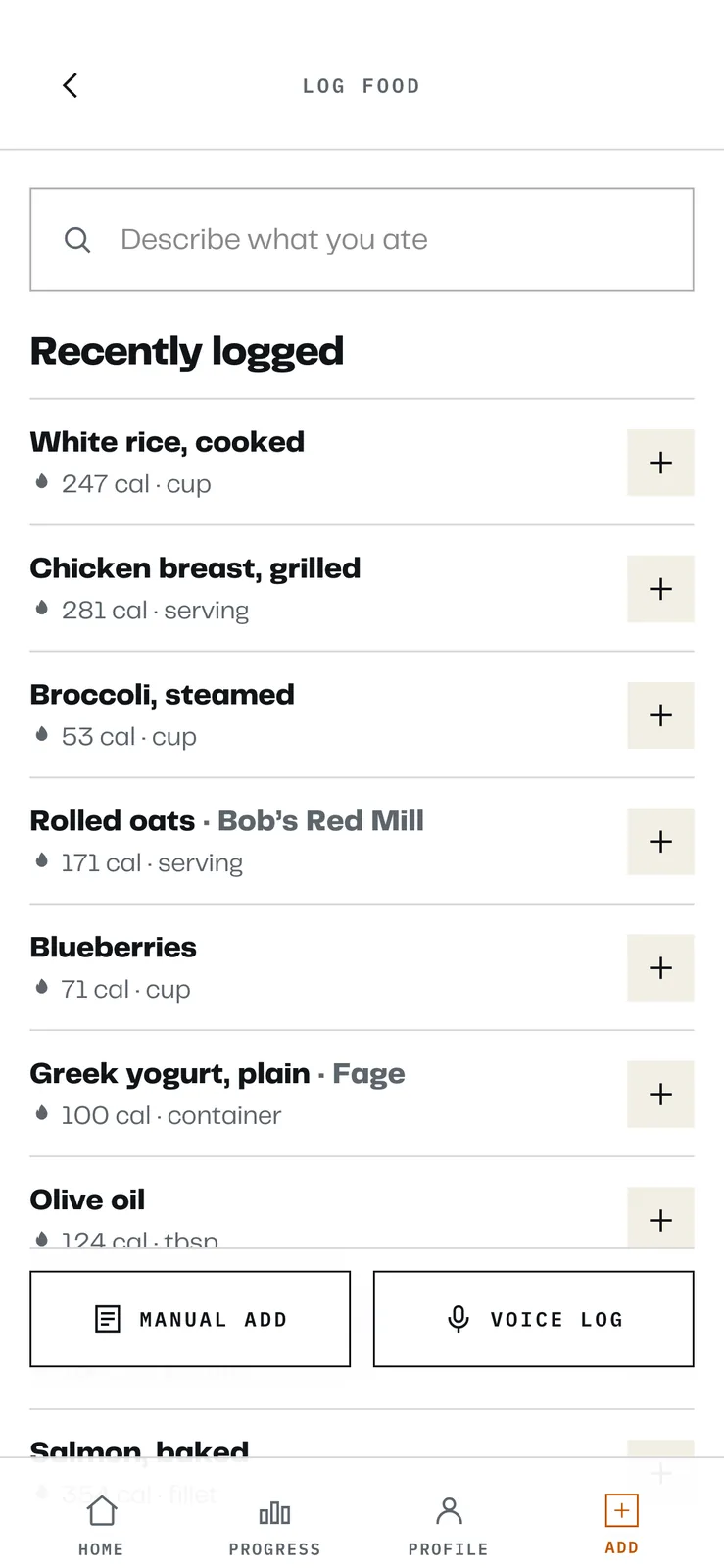
Mine is drawn in the same language as the rest of this site, because it is a page of this site. Square fields, hairline rules, mono capitals, one orange accent, and a link in the corner back out to the private index. The site's own fonts ship with it.

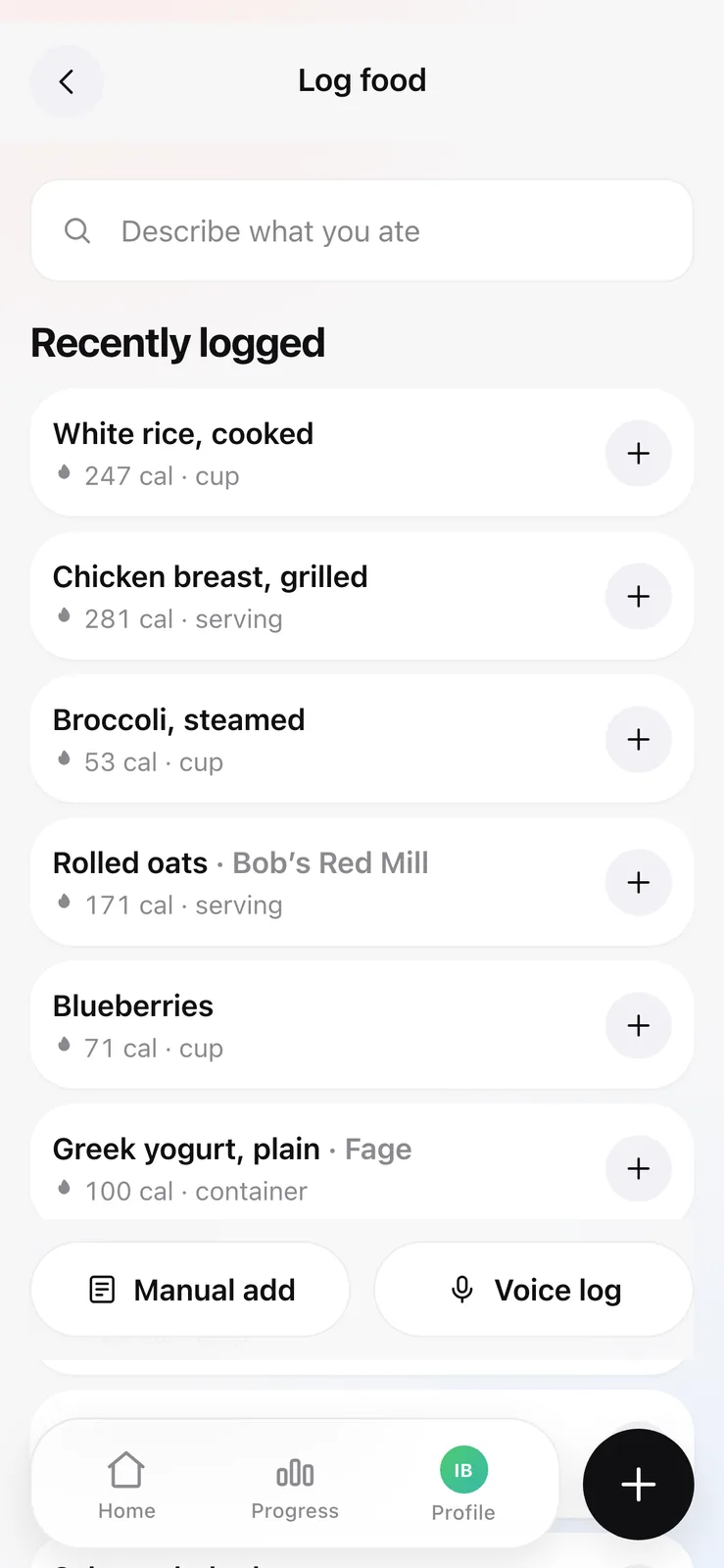
A log food screen listing recently logged foods separated by hairline rules, with manual add and voice log buttons
PlatePL-07
TitleLogging a meal in my fork
ViewDetail
Recently logged foods are ruled rows, and manual entry and voice sit as equals under the search field.
The same log food screen with each recently logged food in its own rounded card
PlatePL-08
TitleSame screen in the public release
ViewDetail
Identical data, identical information order, a different drawing of it.

Neither is the better design. They have different jobs. What I did not expect is how much the reskin clarified: once the decoration was gone I could see that two of my screens were doing nothing, and they went.

Sheet 07 of 10/The feature I deleted

The feature I deleted

The most useful thing the fork does is remove a screen.

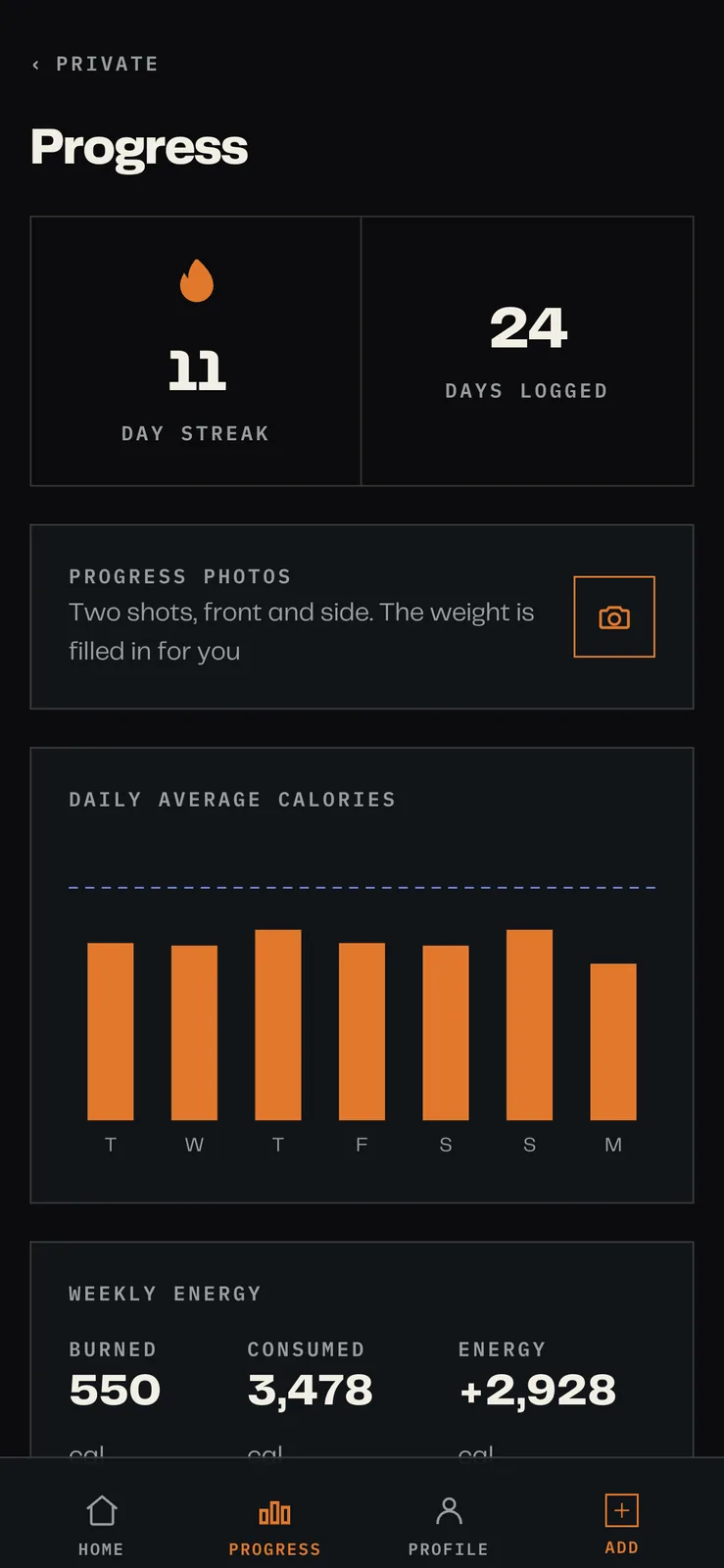
A progress screen showing an eleven day streak, twenty four days logged, a progress photos prompt and a bar chart of daily average calories
PlatePL-09
TitleMy progress screen opens on the streak
ViewDetail
The photo prompt and daily average calories. There is no weight on it anywhere.
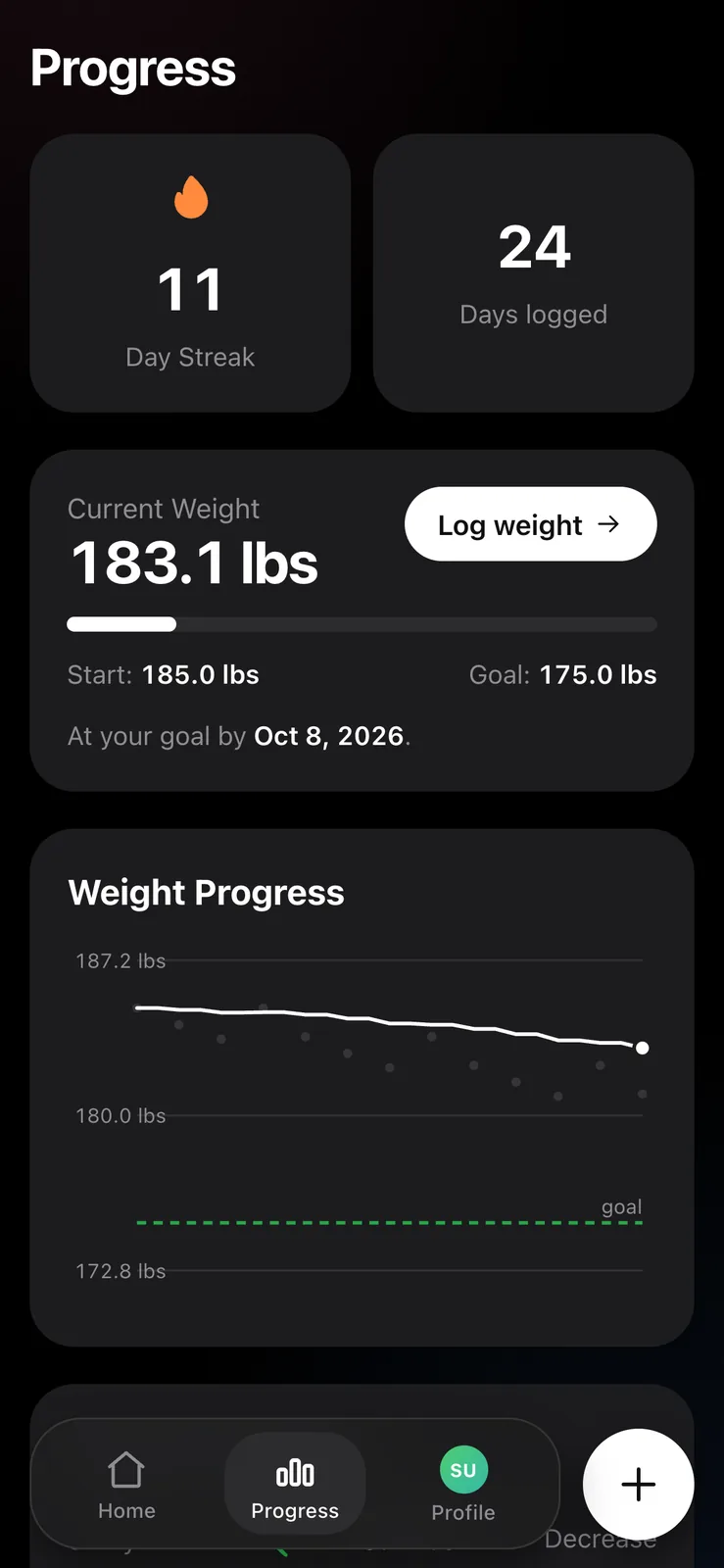
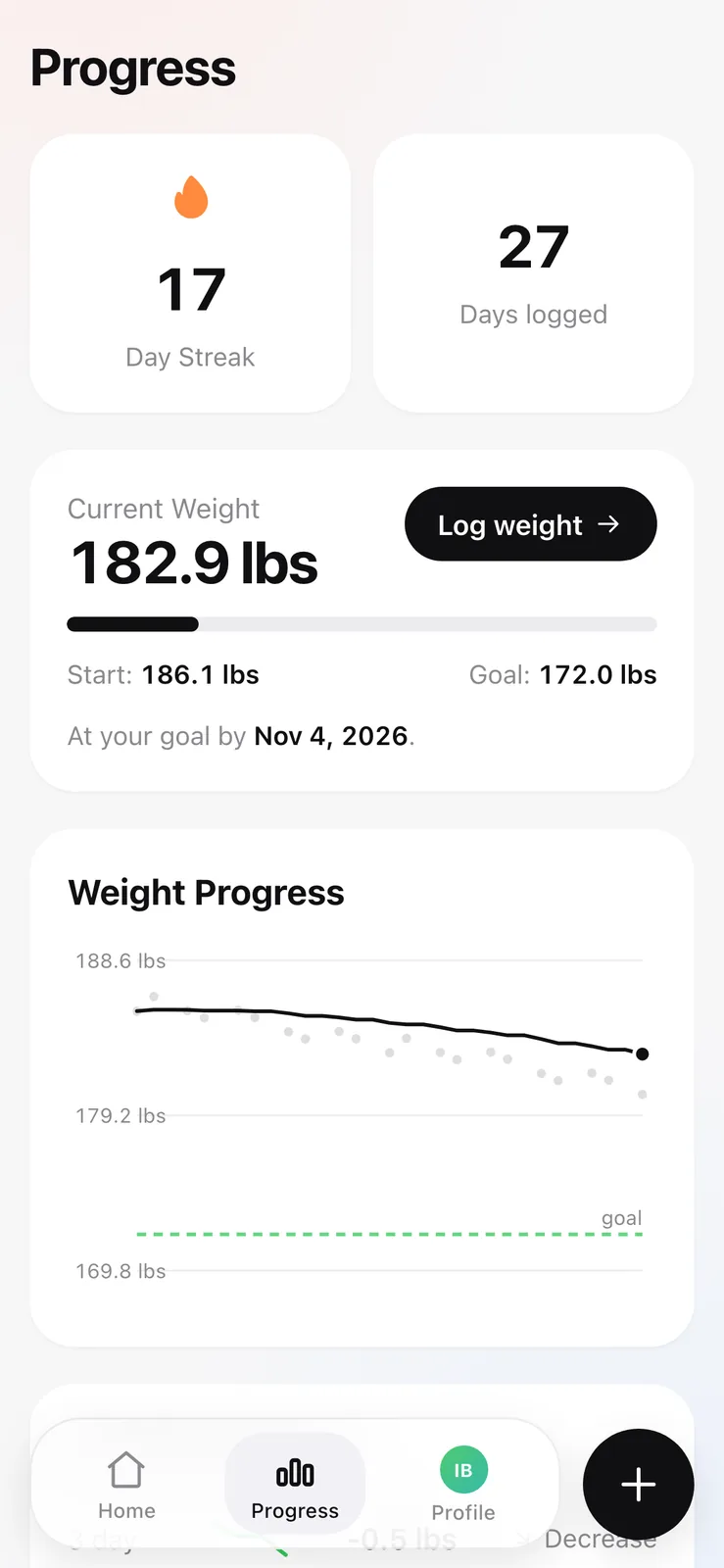
The same progress screen leading with current weight, a start and goal figure, and a weight trend chart with a dashed goal line
PlatePL-10
TitleProgress public
ViewDetail
The public release opens the same screen on current weight and a trend line toward the goal, because it owns that number and my fork does not.

The public release owns body weight. It has a weight_entries table, a weigh-in form and a history page, and the progress screen opens on a trend line toward a goal. That is right for a self-contained app.

It is wrong here, because this site already had a weight tracker before Plate existed, at its own private page, with its own merge rules for the case where two phones edit the same day. Keeping the app's own weight table would have meant two places to type a number, two histories, and eventually a day where they disagree and no way to say which is correct.

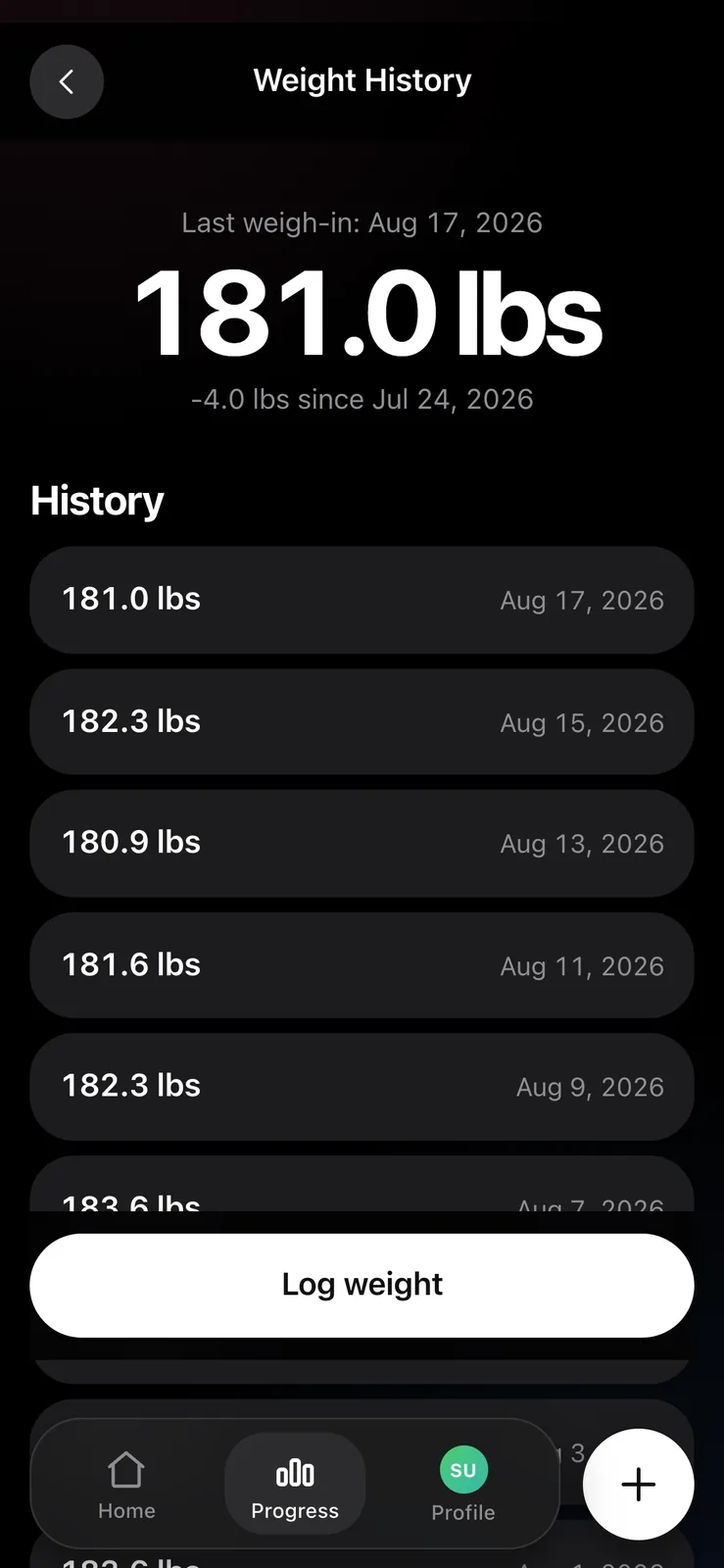
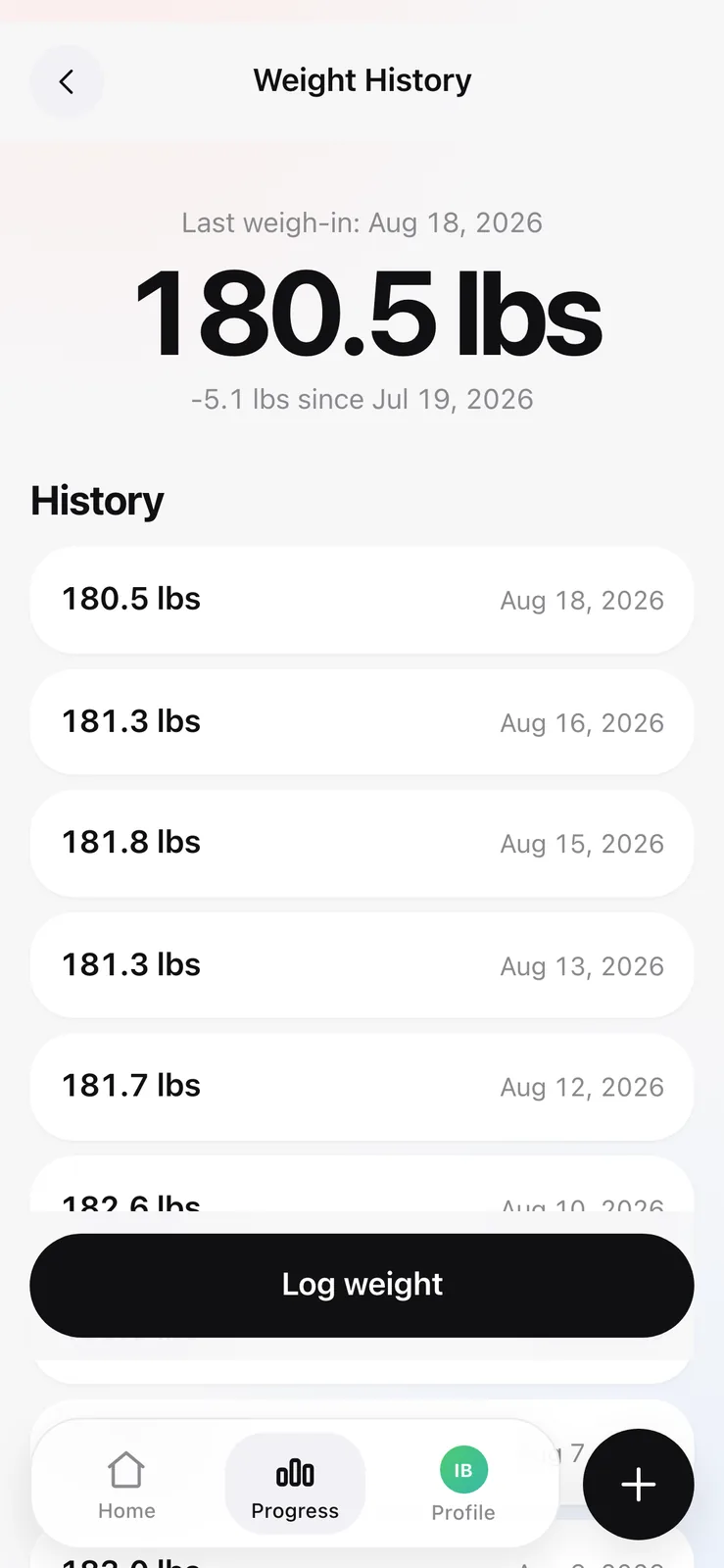
A weight history screen listing weigh-ins by date with a log weight button
PlatePL-11
TitleWeight history screen my fork deletes
ViewDetail
The site already had a weight tracker, and two apps owning one number is how two histories start disagreeing.

So the fork deletes the table, the form and the page, and reads the tracker's file off disk instead, read only and permanently. Same box, same user, so it costs a file read and no network. The merge rules stay in exactly one place. The app can display a weight and can never write one.

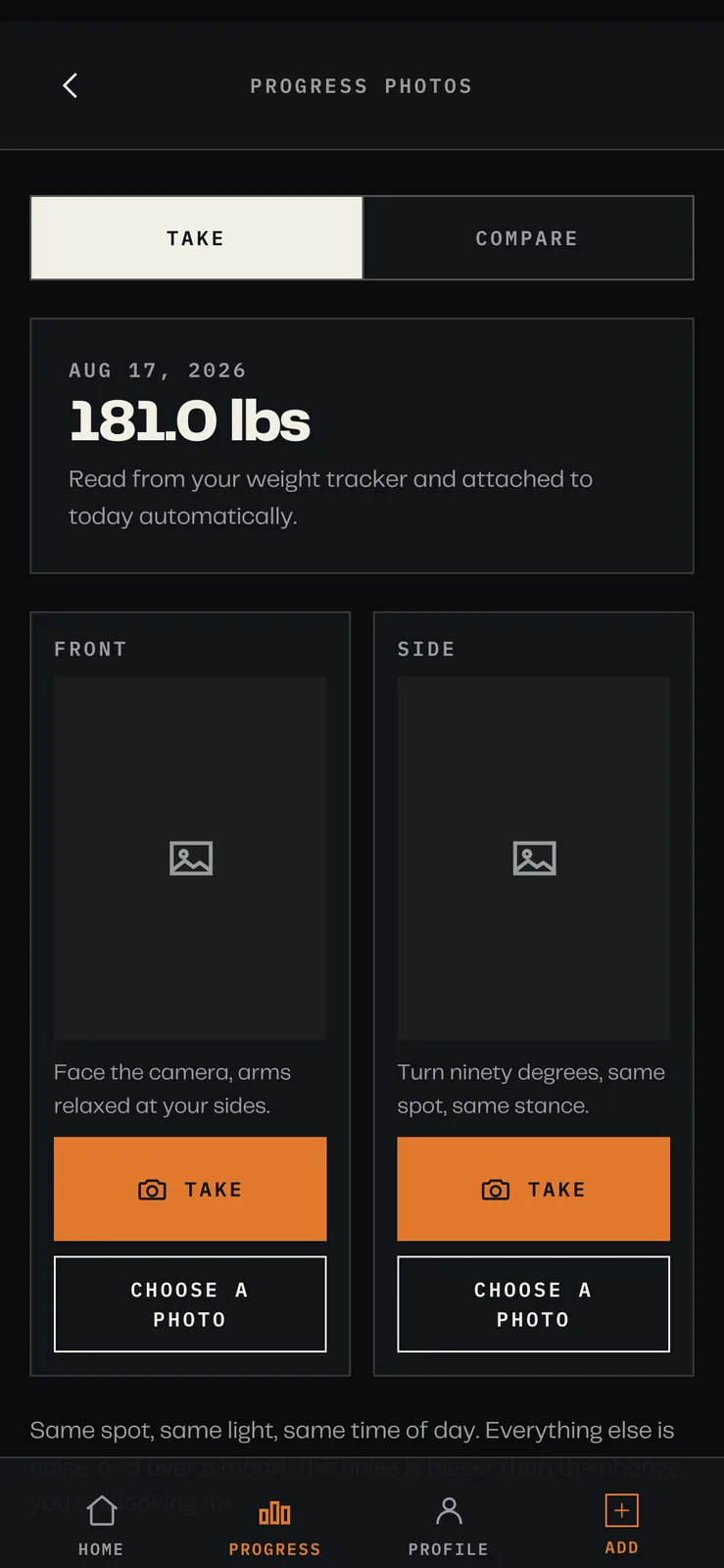
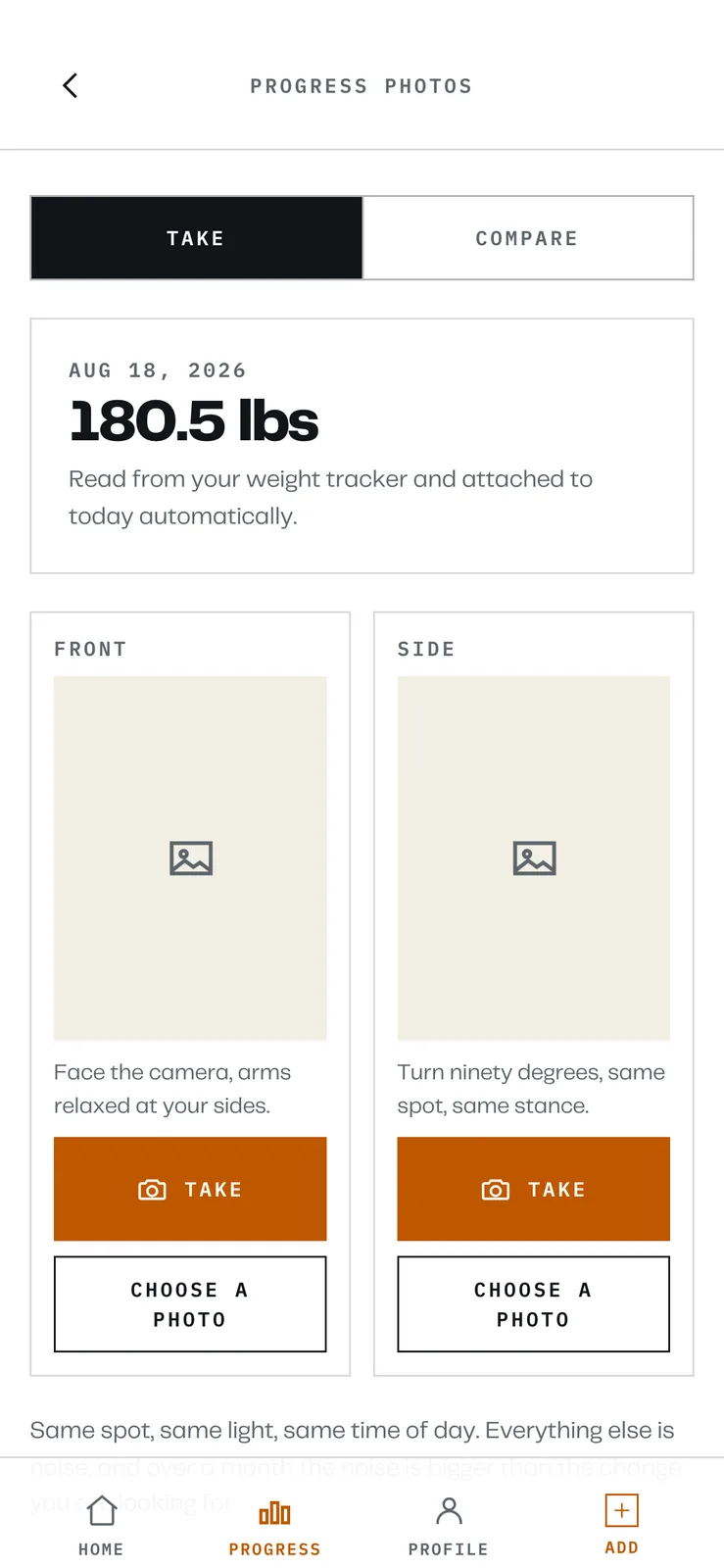
A progress photos screen showing today's date, a weight of 181.0 lbs labelled as read from the weight tracker, and empty front and side photo slots
PlatePL-12
TitleProgress photos, front and side
ViewDetail
With the weight read out of the separate tracker and attached at render time rather than copied onto the row.

Progress photos are where that pays off. A photo row stores no weight at all; the figure in the caption is joined from the tracker when the page renders. Correct a bad weigh-in on the scale two months later and every old caption corrects itself, because there was never a copy to go stale.

Sheet 08 of 10/Living inside a site

Living inside another site

This is a Next.js app with a build step, mounted inside a static hand-written site that has neither. The site's own server runs it as a child process and proxies to it, rather than importing it, for two reasons: importing Next would end the server's zero-dependency property, and a crash in the food tracker would take down the static site and every other private page with it. As a child it can die on its own.

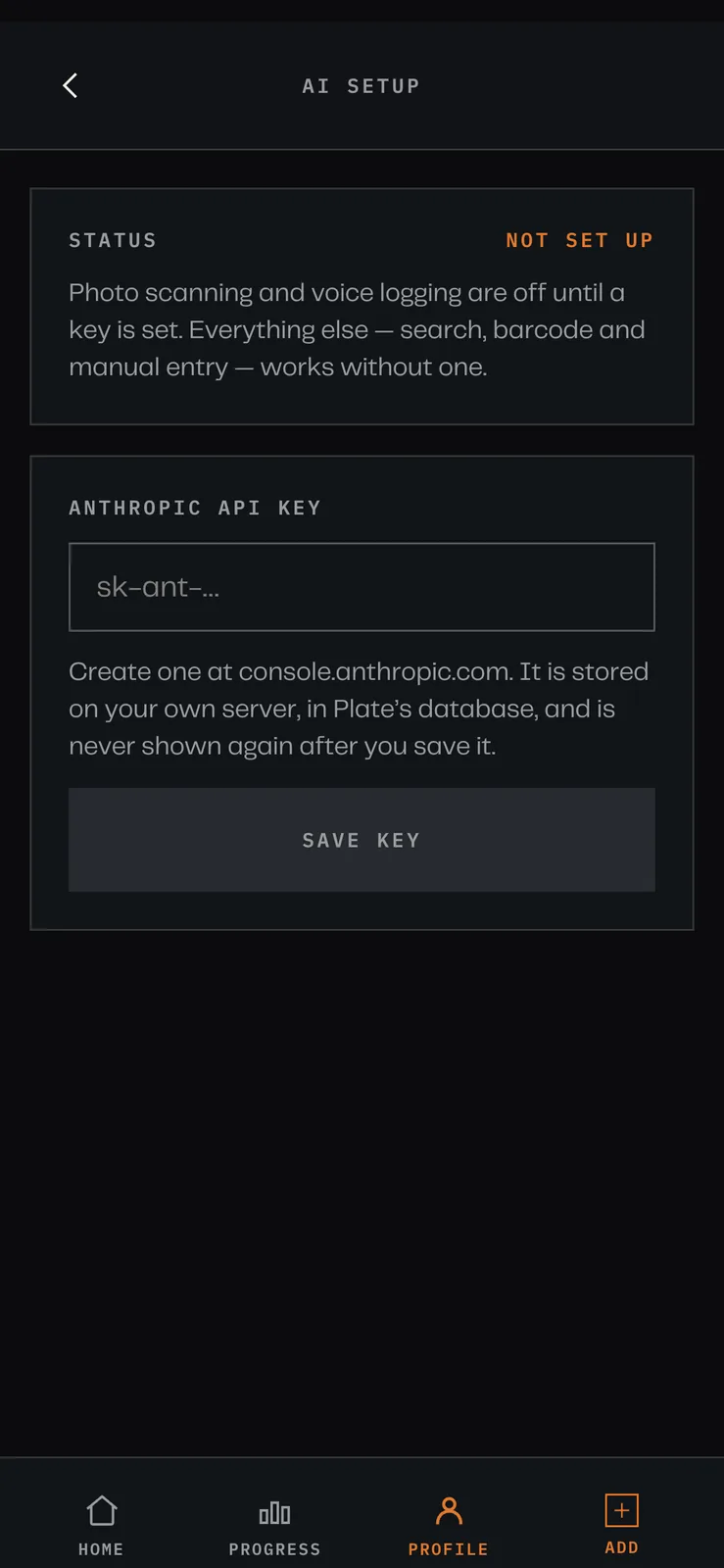
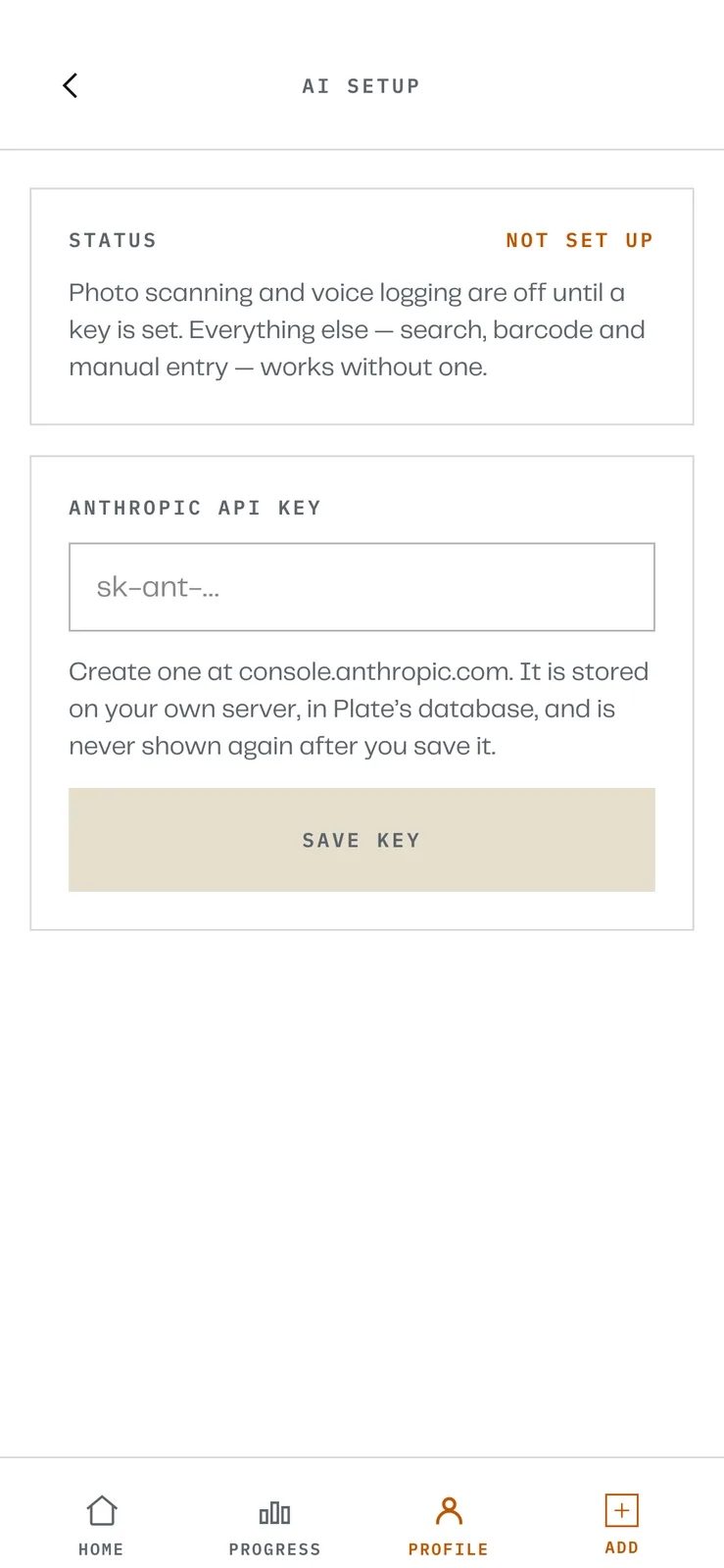
An AI setup screen reading NOT SET UP with an empty field for an Anthropic API key and a save button
PlatePL-13
TitlePhoto scanning needs an API key
ViewDetail
So the fork lets it be set from the phone instead of from an env file and an SSH session.

It has no login of its own, deliberately. The site's signed cookie gate is the only thing in front of it, which is exactly why it is safe here and would be unsafe anywhere else. The public release has no auth either and says so loudly in its README.

Its database and uploads live outside the checkout, and the server refuses to start it if they are not. That is not caution for its own sake: a git clean inside the site directory would otherwise delete the food diary and every progress photo, and there is no version of that failure you recover from.

The one deliberate seam is a read-only summary endpoint. The site's combined health page asks Plate for day totals and a logging streak and draws them next to training and weight data. It is a single route, it returns only logged days, and if Plate is down the health page says food is unavailable and renders everything else.

Sheet 09 of 10/Limits

What it does not do

It is single user. There is one row in the users table and every request is that person. Making it multi-user is not hard and there is no reason for me to do it.

The photo estimates are estimates. A model looking at a plate cannot see the oil in the pan, and portion size from a photograph without a scale reference is guesswork with confidence attached. The app shows the range rather than a single number and lets you edit the grams before anything is logged, which is the honest version of a feature that is often sold as measurement.

The targets come from population formulas with safety floors. They are not advice and the app says so where you would see it.

I have no idea whether anyone else self-hosts it. It has no telemetry, which was the point, so I will not find out.