Browser extension / 07Complete · 2026

Quick
Google

A very small Chromium extension that searches Google and Google Images without making you type a search prefix first. One permission, zero dependencies, 279 lines, and no plans to publish it.

Status / dateComplete · 2026
RoleSole author
DisciplineBrowser extension
MethodsManifest V3 · vanilla JS

PROJECT AT A GLANCE

Three ways in, one action

The whole extension is a single behavior reachable three ways. The third route is the one worth noticing, because it needed no code at all.

Every path ends at the same two URLs.Read left → right
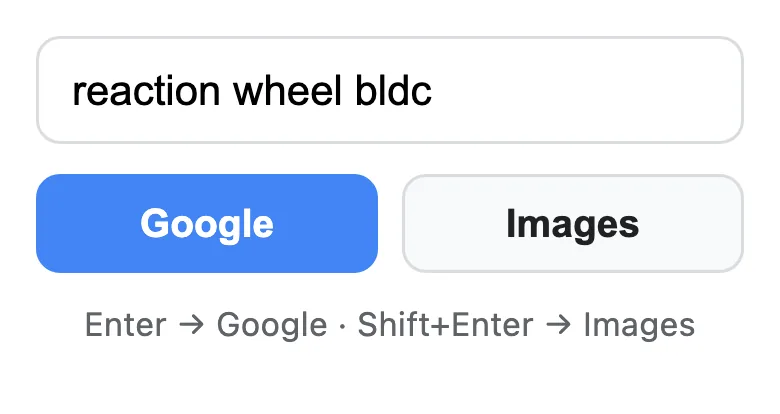
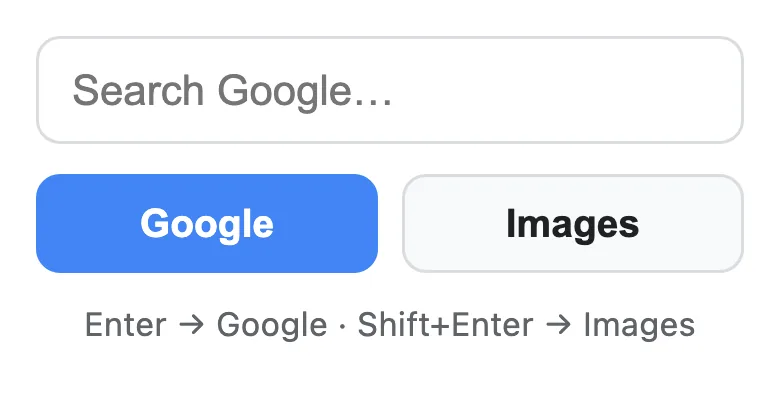
01Toolbar popupType, Enter or Shift+Enter
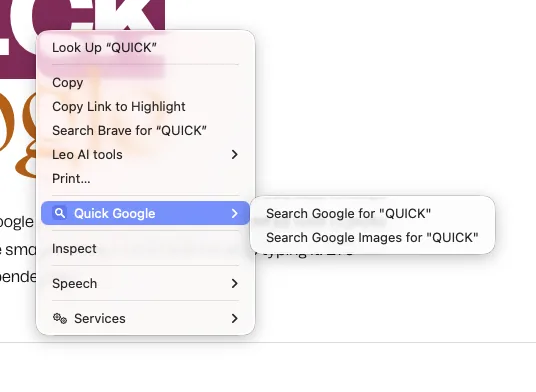
02Right-click selectionSearch the highlighted text
03Address-bar keywordBrowser setting, no code
04Result opens next doorAdjacent tab, not the end
How to read itStep 03 is documented in the README but not implemented in the extension. Recognizing which third of a problem the browser already solves is part of the design.

01 / Context

Why this project exists

My browser does not default to Google, so every Google search started with a bang prefix and every image search with a second one. It is a two-character annoyance repeated several hundred times a week, which is exactly the size of problem worth thirty minutes and not worth thirty hours.

The interesting constraint was resisting the urge to make it bigger than that.

02 / Approach

How the problem was framed

The rule I set was that the extension should ask for the least the browser will let it ask for. It requests exactly one permission, for the right-click menu. It declares no host permissions, injects no content scripts, and reads nothing about the pages you visit. It opens tabs, which turns out not to require the tab permission at all, since that permission only governs reading a tab's URL and title.

Two details are where the care went. The context menu is rebuilt idempotently, clearing itself before it registers, because a Manifest V3 service worker can wake up more than once and would otherwise stack duplicate menu entries. And results open at the current tab's index plus one rather than at the far right of the tab strip, so the answer appears next to the question.

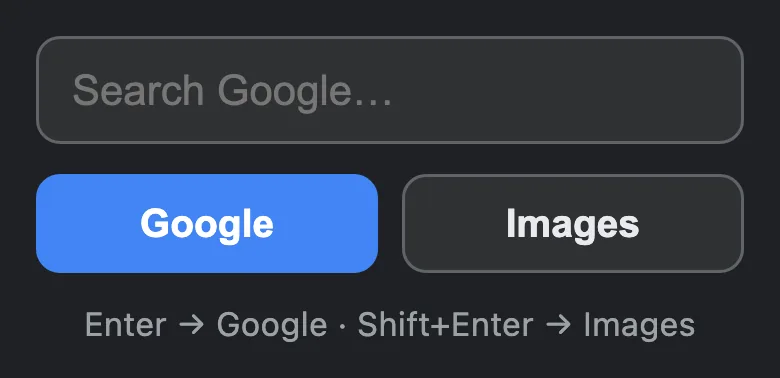
Shift+Enter goes to Images, caught on keydown before the form submits. The popup styles itself for dark mode and focuses its input on open.

03 / Result

What exists now

Six source files and four icons: 279 lines in total, of which a third is CSS and a sixth is the README. No package file, no dependencies, no build step, no bundler, and no store listing. It loads unpacked in developer mode and stays installed across restarts, which is all it ever needed to do.

It has worked without modification since the afternoon it was written.

04 / Reflection

Lessons and next steps

The most useful thing in the repository is a section of the README explaining how to get two thirds of the benefit using the browser's own address-bar keyword settings, with no extension installed. Writing down the part of the problem my code does not need to solve made the code smaller, and I would rather ship a tool that admits that than one that pretends to be necessary.

The honest flaw is duplication: the popup script and the background service worker each build the same two search URLs, because in Manifest V3 they do not share module scope without extra plumbing. At this size that is the correct trade. At four times the size it would not be.

  • No publication is planned. The install path is developer mode, on purpose.
  • The scope discipline is the point of the project, not a limitation of it.